
Welcome to your Clear Verify Dashboard! From your dashboard, you can view all details about verifications, create verification requests, manage staff, access these resources, Get Help from support, and more. The Clear Verify dashboard was designed with ease of use, transparency, and speed in mind.
Dashboard:
- Verification Inbox
- Create a Verification Request
- Staff
- Reports
- Resources & Help
Verification Inbox
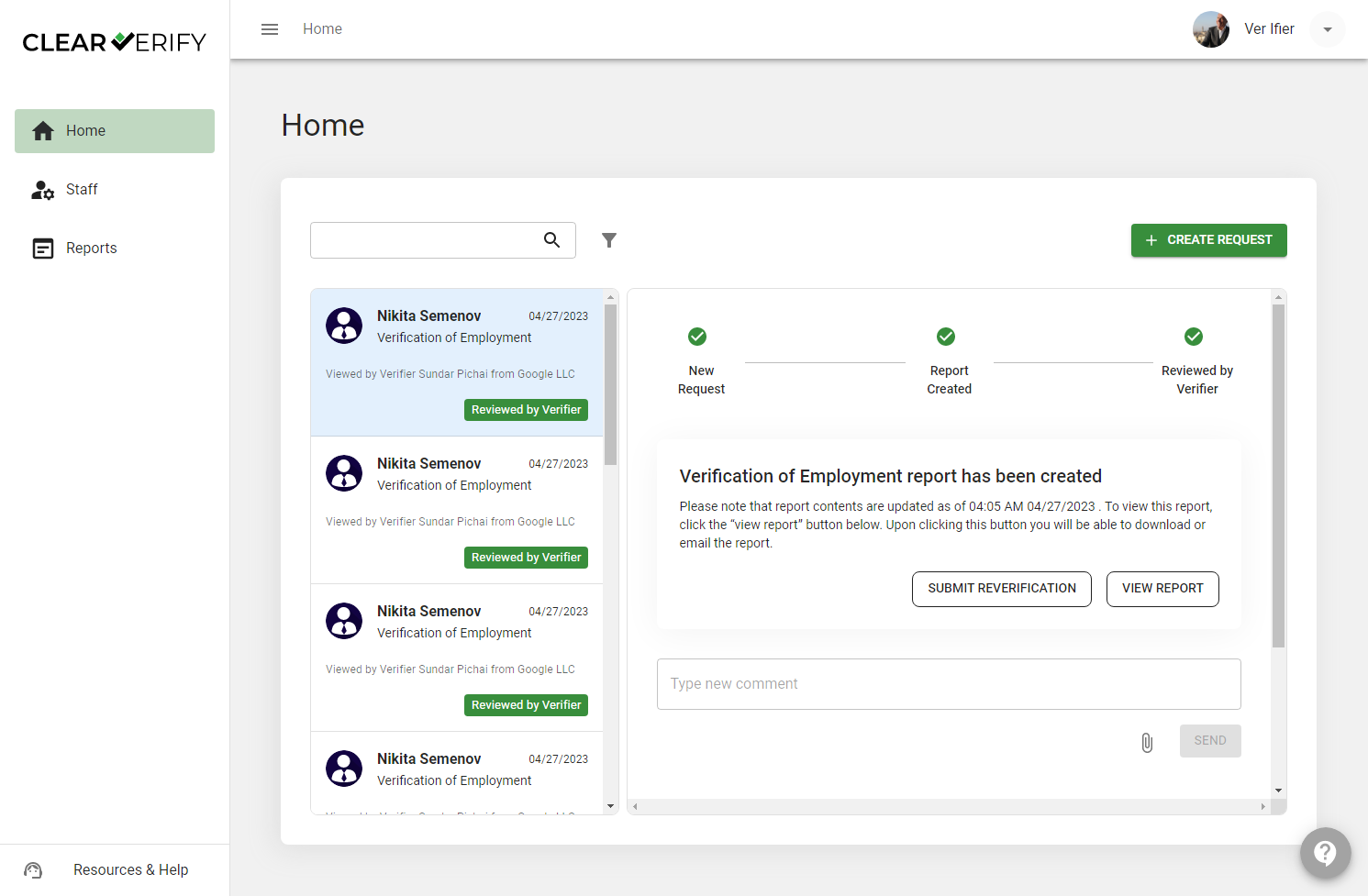
On the Home page, you will find the Verification Inbox. Here, you have full visibility into all historical and current verifications, the ability to create new verification requests, search, filter, and more.
Create a Verification Request
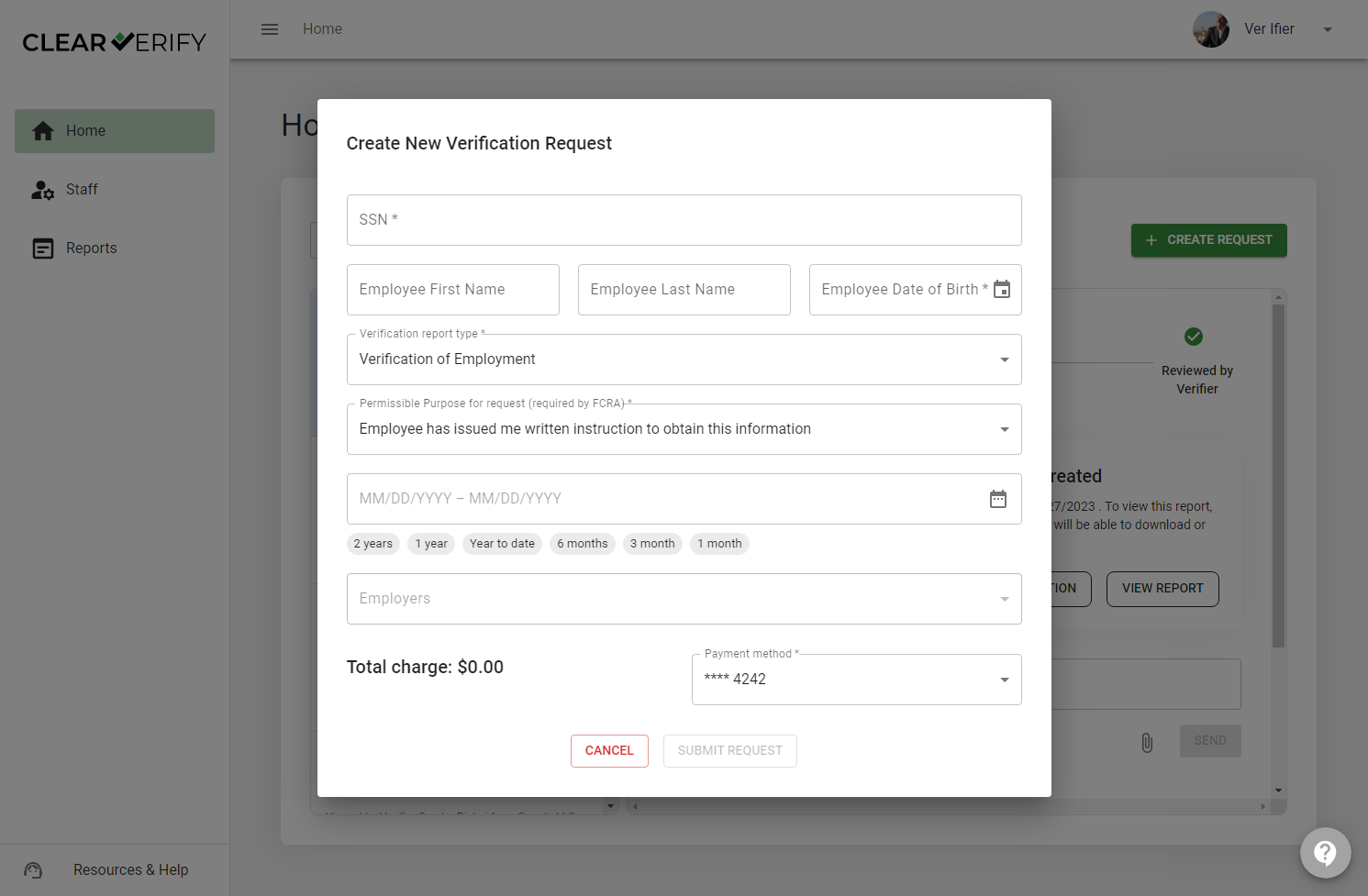
In the Verification Inbox, you can request new verification requests. Simply click the button labeled ‘+ Create Request’ to submit a new request. After clicking, you will fill in the necessary information for the employee you want to create the verification request for, pay, and submit.
Staff
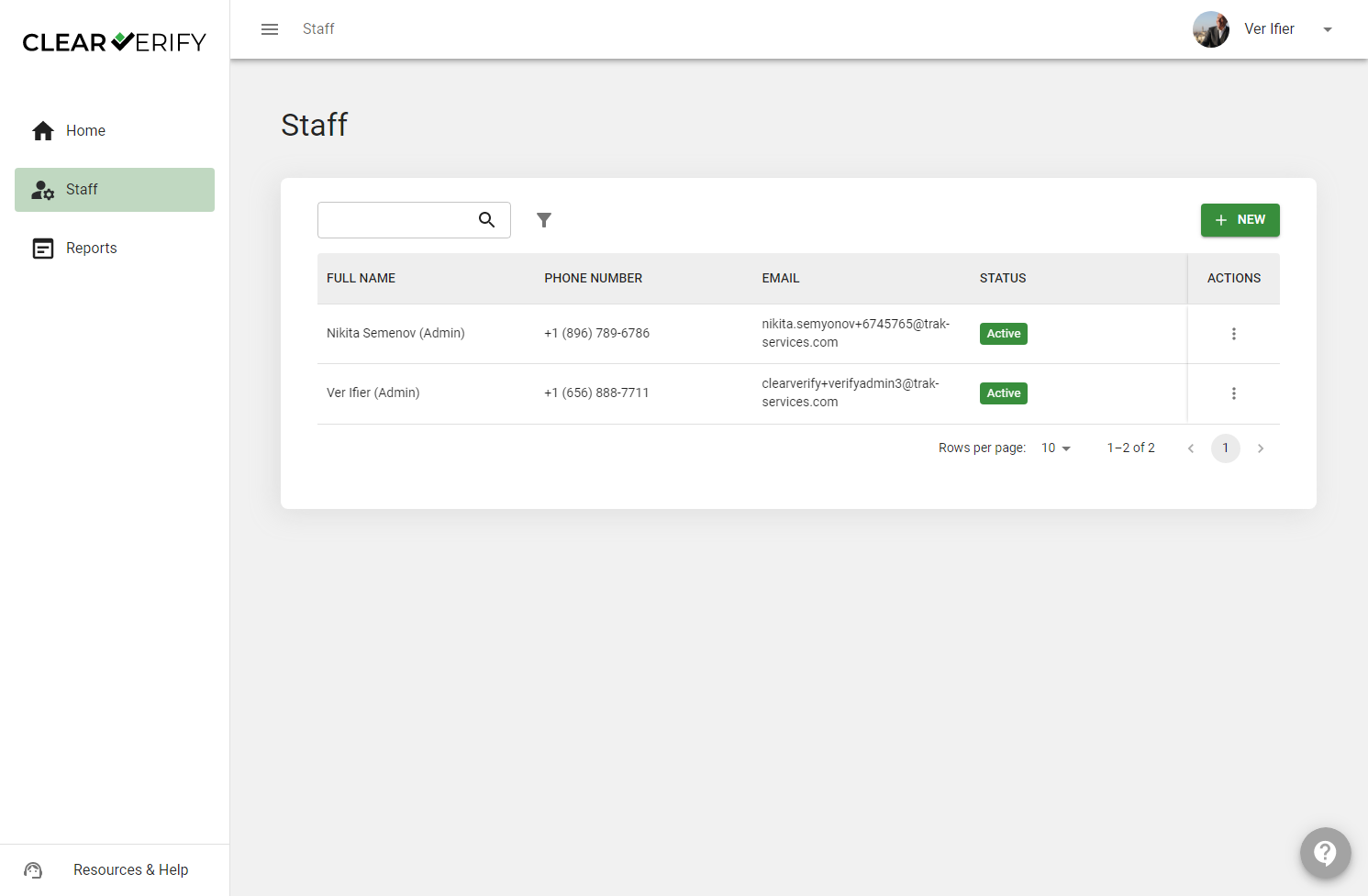
In the event you want to invite others from your company to your Clear Verify account, click Staff. From here, you can invite team members, allowing multiple members of your team to exist within the same account.
Reports
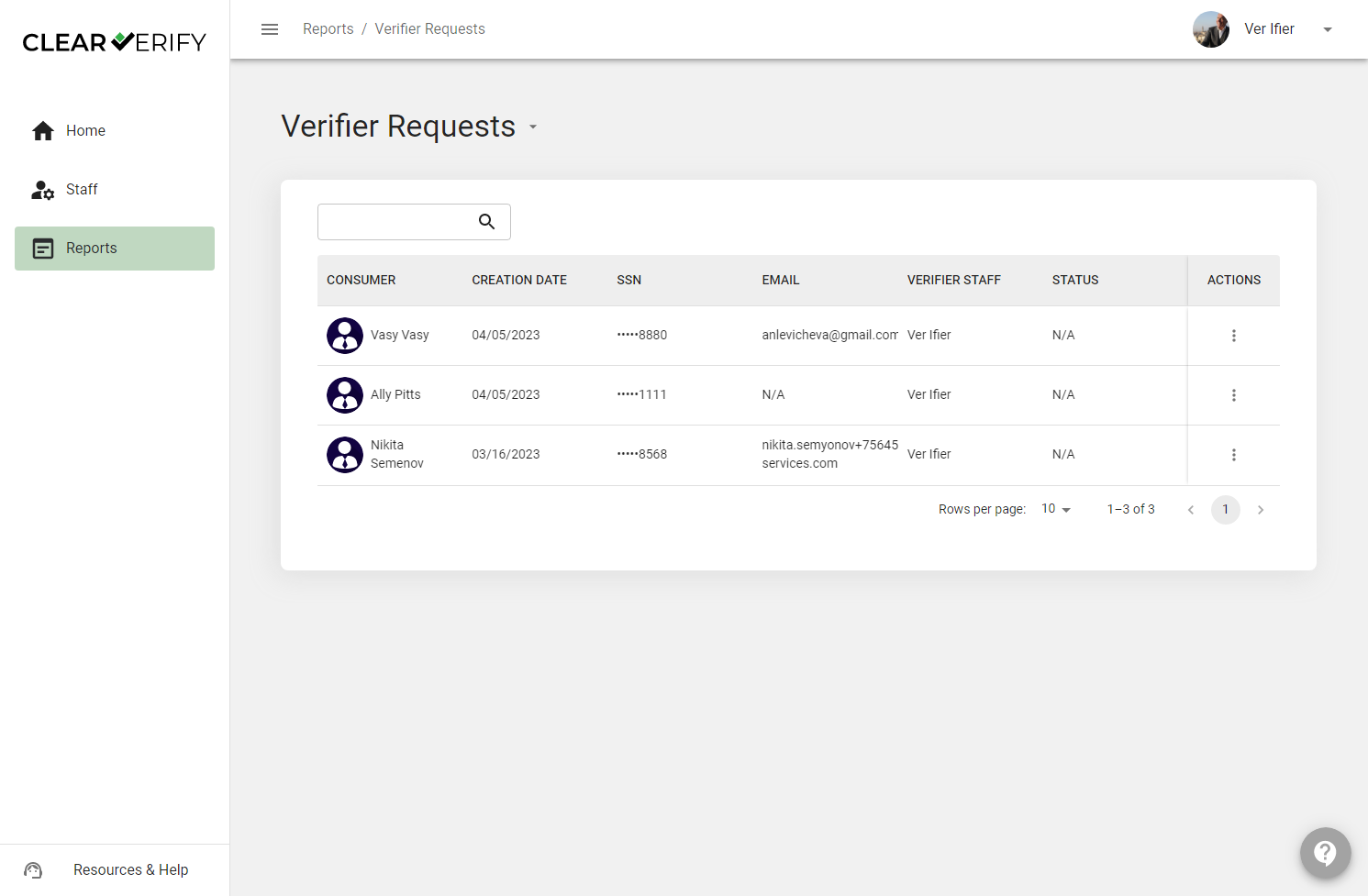
To view reports on verification activity, statuses, and more, click on the Reports tab.
Resources & Help
To access these resources and other helpful information, click on Resources & Help from any screen.
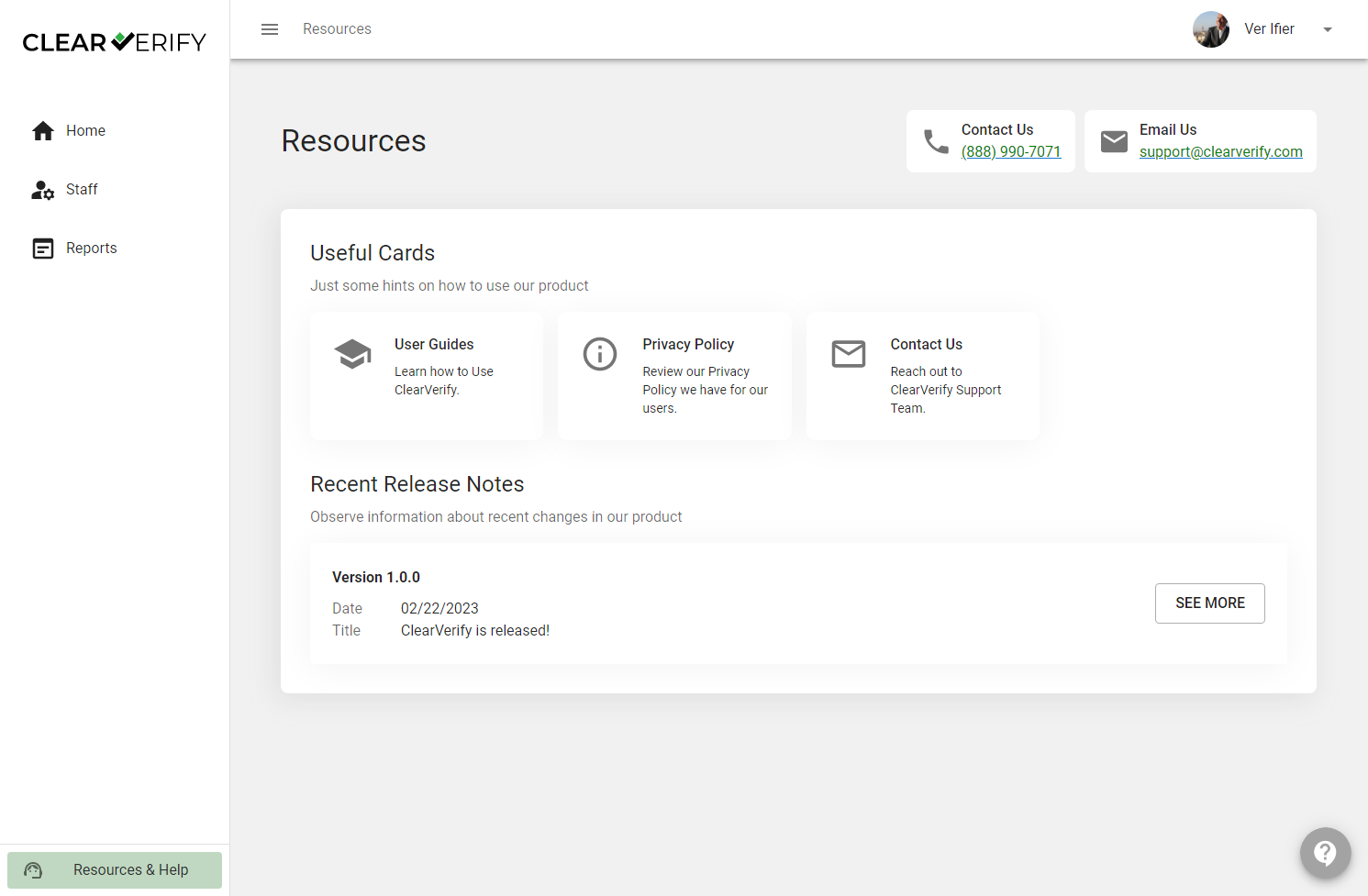
In addition to accessing the Verifier Help Center, you will find our Terms and Conditions, information about other HR Logics Products, Release Notes, and more.
If you ever need support, you can select ‘?’ on any screen and a member from our team will respond to your question(s).
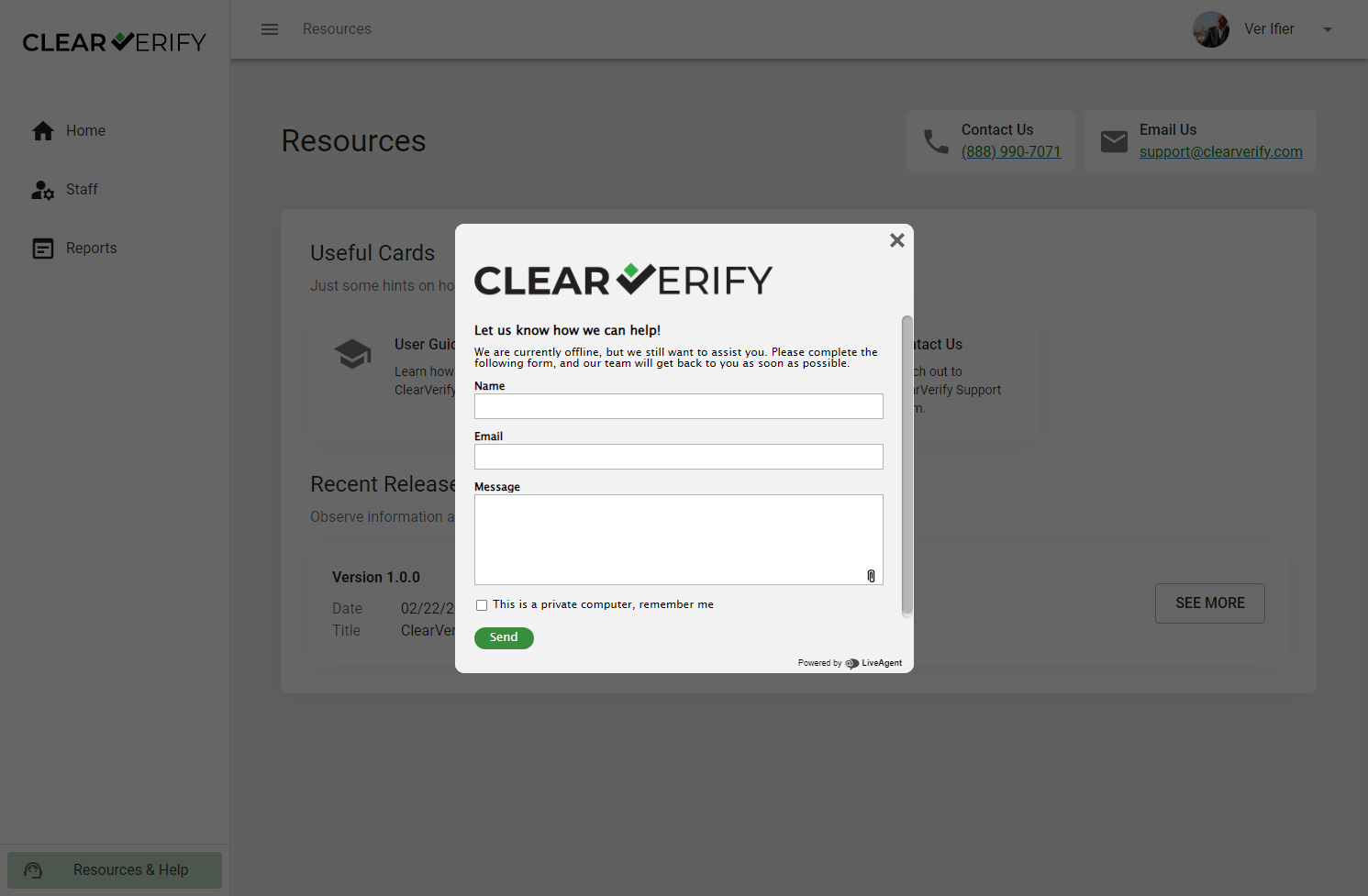
Need more help?