
In the Reports tab, you can view various reports that provide alternative views of your verification requests with Clear Verify.
Reports:
- Requests on Employees not in Database
- Verification Requests
To switch between reports, use the toggle icon (▾) next to the report name in the top left corner of the Reports page.
Requests on Employees not in the Database
On this tab, you will be able to view a historical log of all verifications you have requested on employees not in the database.
Verification Requests
On this tab, you will be able to see a historical log of all verification requests that have been requested by you or sent to you by an employee using the My Verify feature.
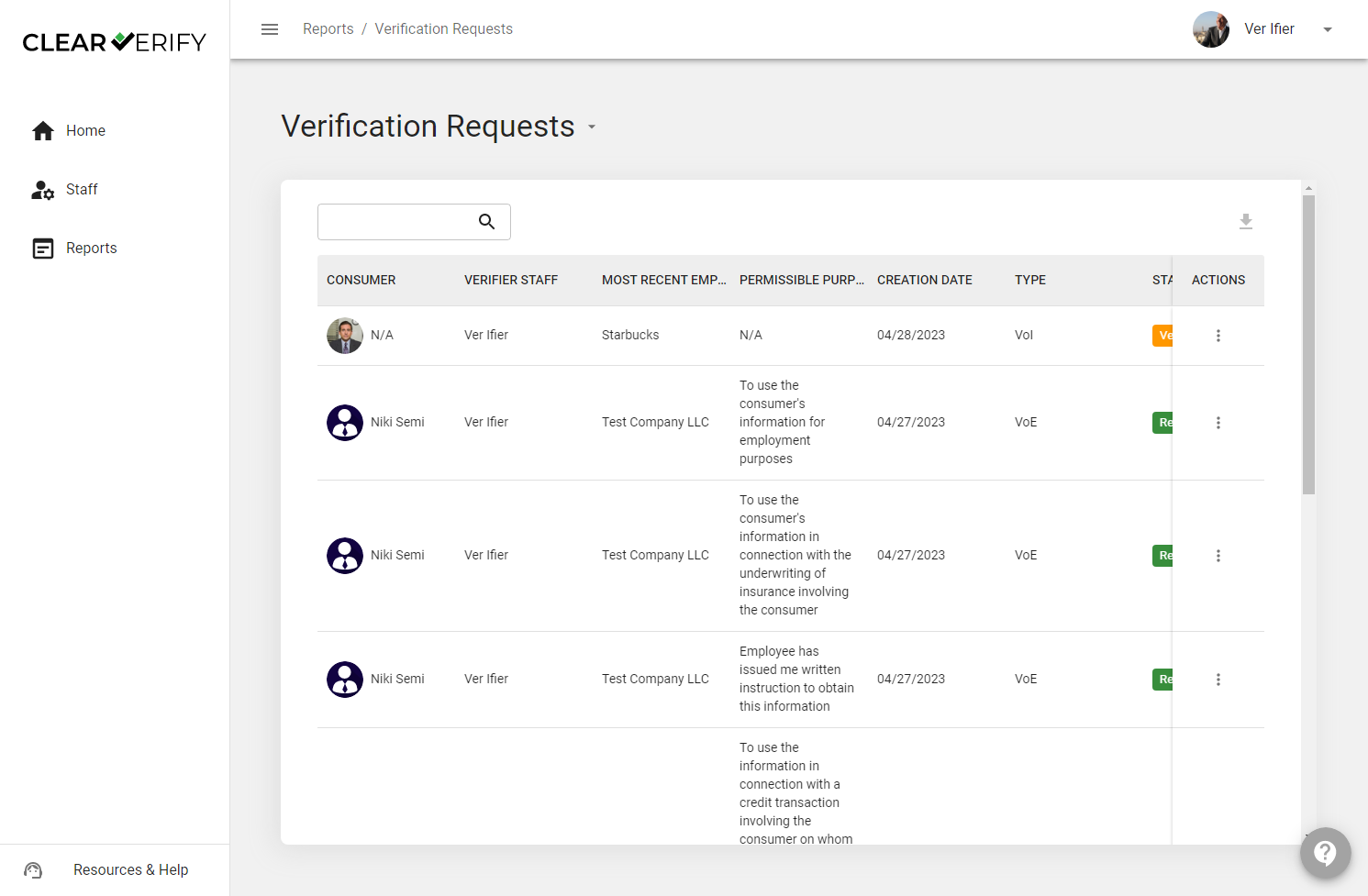
By clicking 'View Details' next to any record under the "Actions" column, it will bring you to the record in the Verification Inbox.
Need more help?