
Welcome to your Clear Verify Dashboard! From your dashboard, you can monitor verification activity of employers’ employees, manage employer and employee accounts, manage staff, access support resources, contact support, and more. The Clear Verify dashboard was designed with ease of use, transparency, and speed in mind.
Dashboard:
- Home: Verification Inbox
- Staff
- Employees
- Employers
- Reports
- Resources & Help
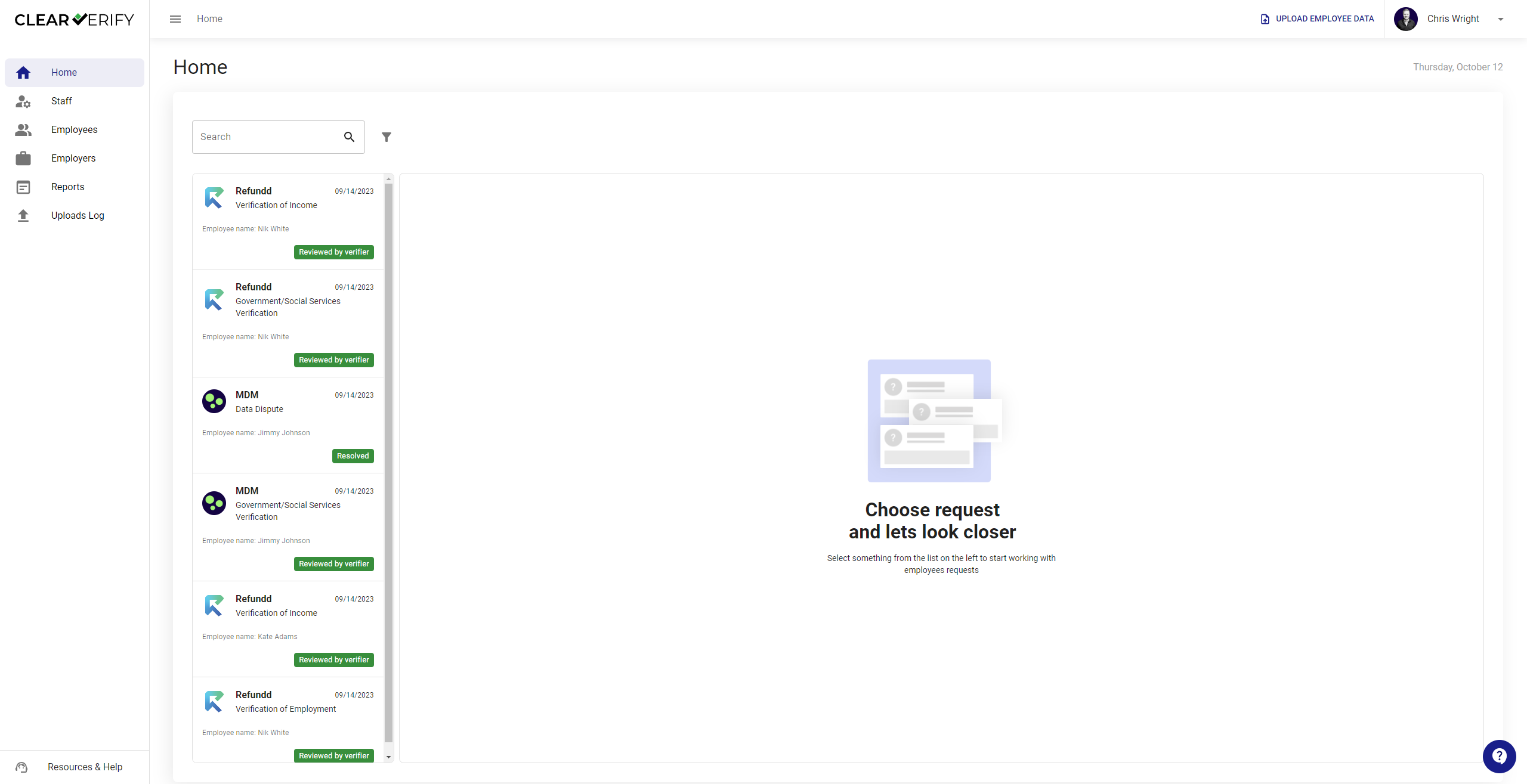
Home: Verification Inbox
On the Home page, you will find the Verification Inbox. Here, you have access to search and filter both historical and current verifications.
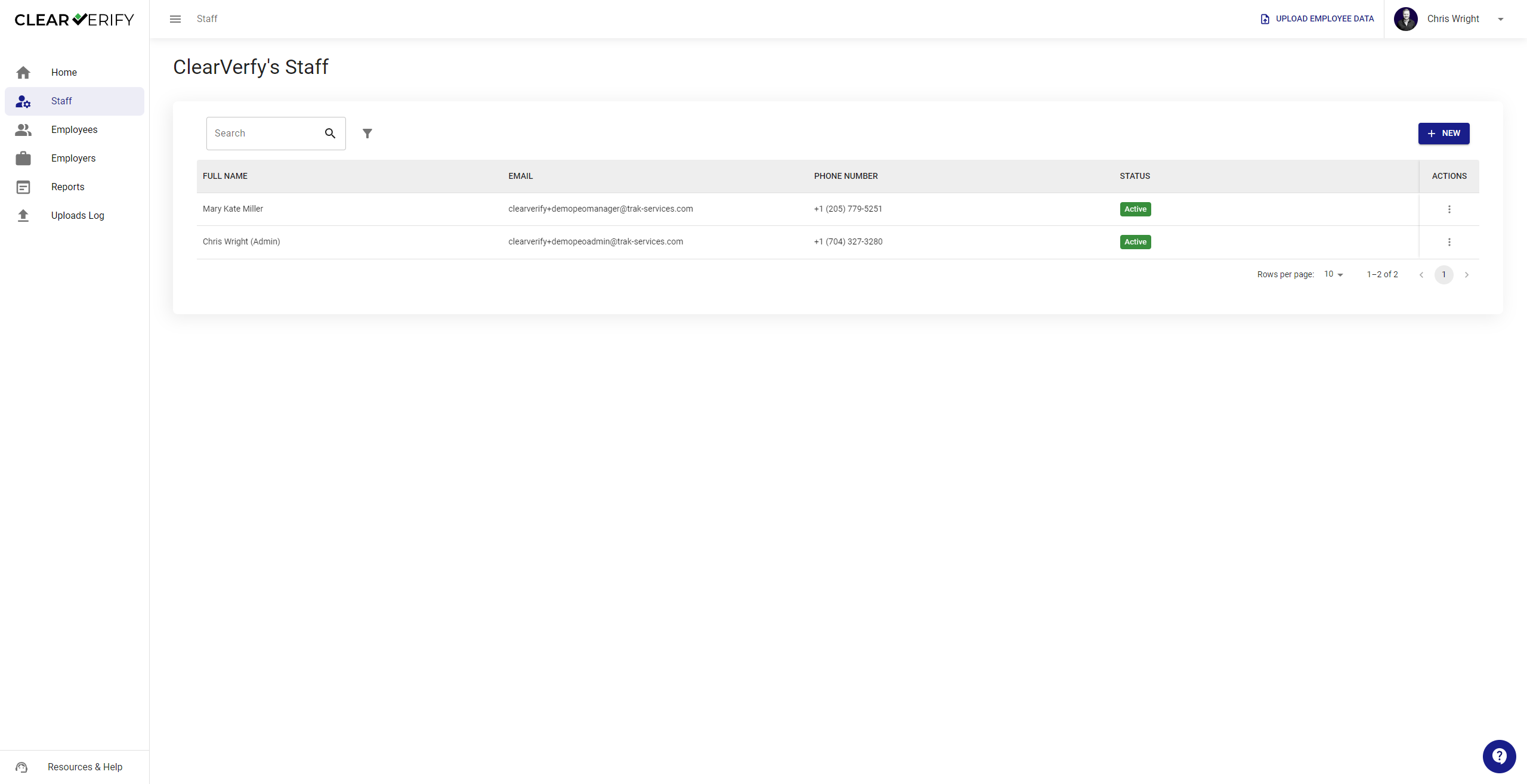
Staff
In the event you want to invite others from your company to your Clear Verify account, click Staff. From here, you can invite team members, allowing multiple members of your team to exist within the same account.
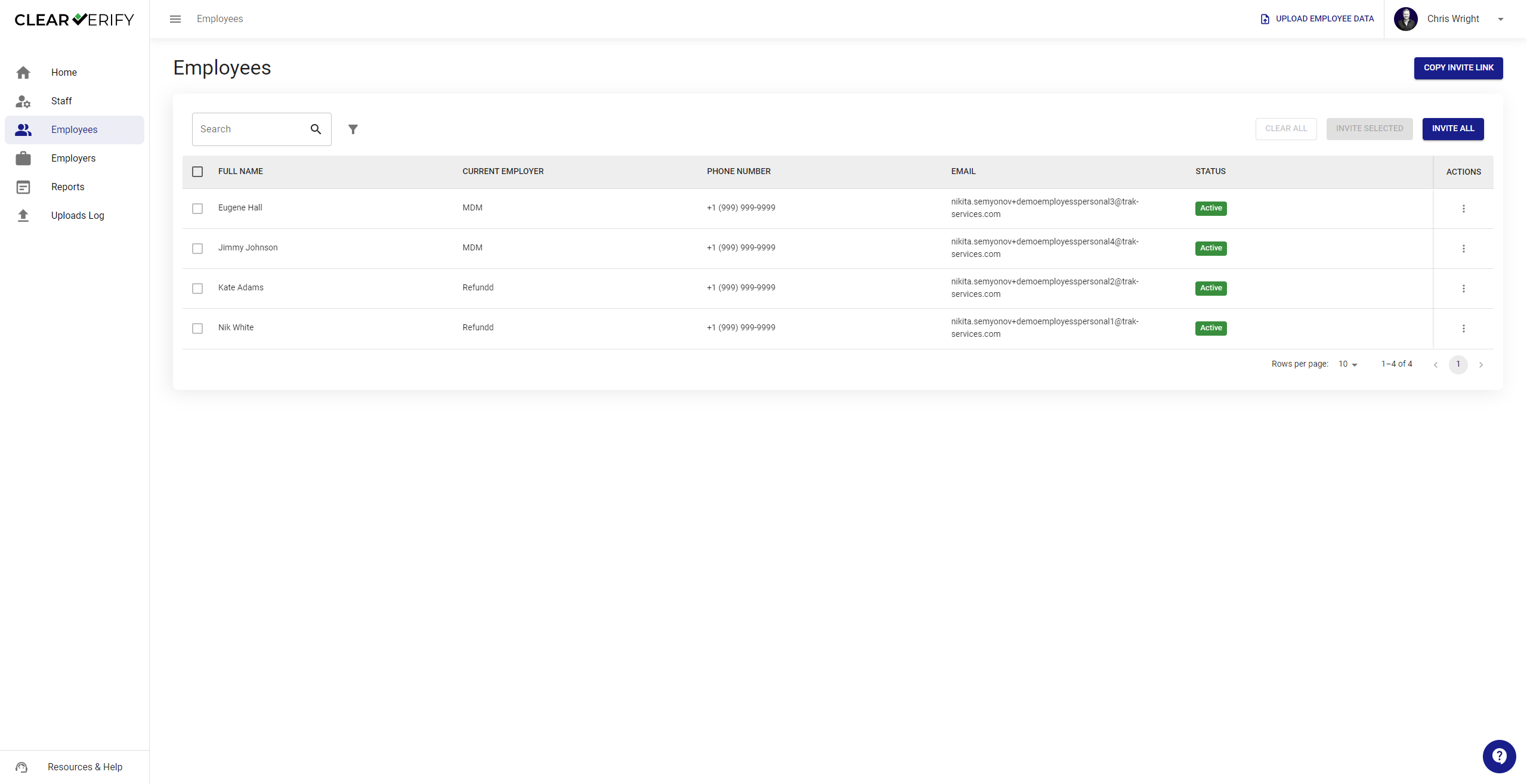
Employees
Click on the Employees tab to see all of the employers’ employee information in the platform. From here, you can invite employees through a custom invite link or directly through email by selecting them. If you provide a custom link, the employee will be prompted to provide their Social Security Number on the front end to ensure that they are attributed to the correct employer.
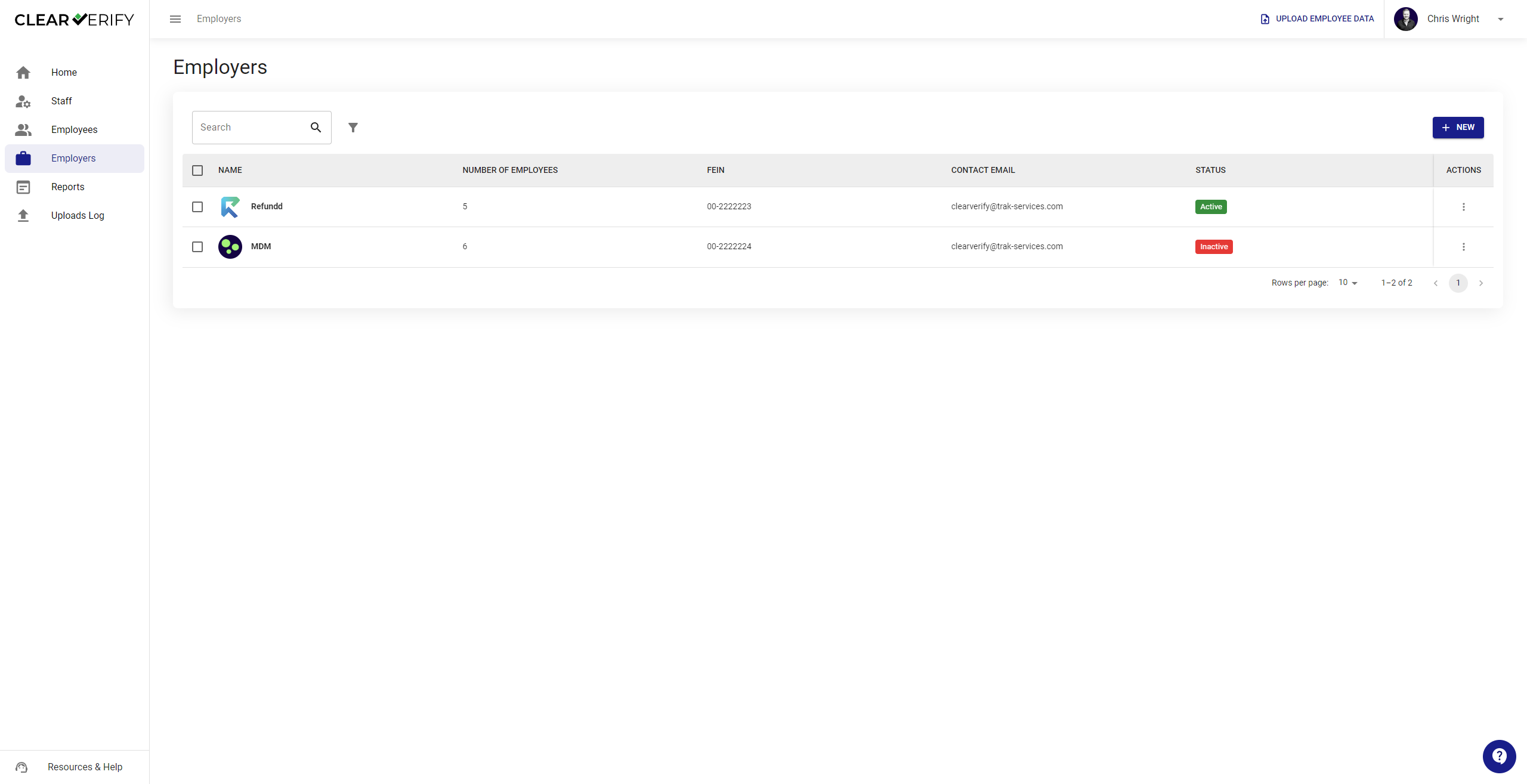
Employers
Click on the Employers tab to see all of the employer information on the platform. From here, you can add employers through a templated file upload.
Reports
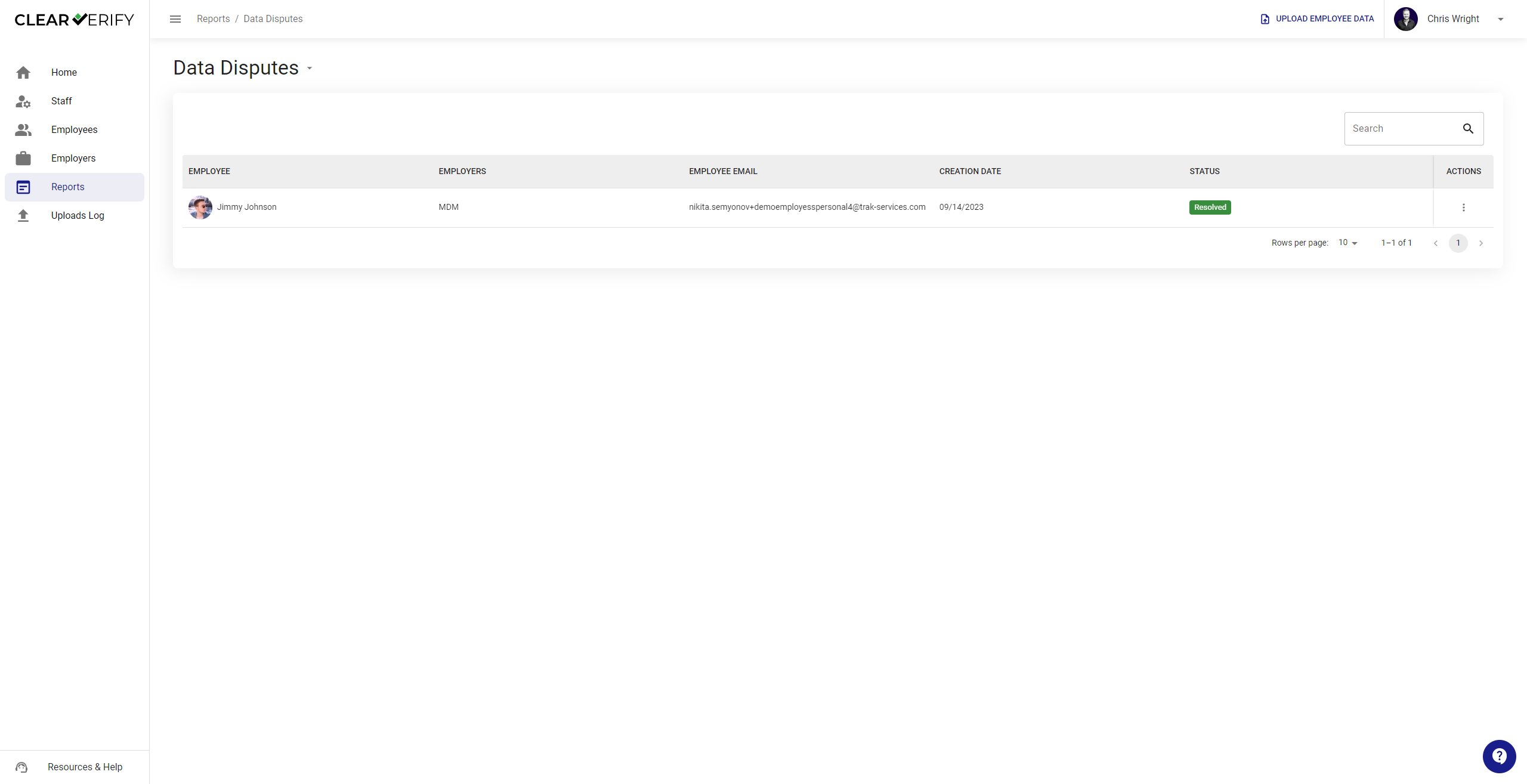
To view reports on verification activity, data disputes, and more, click on the Reports tab.
Resources & Help
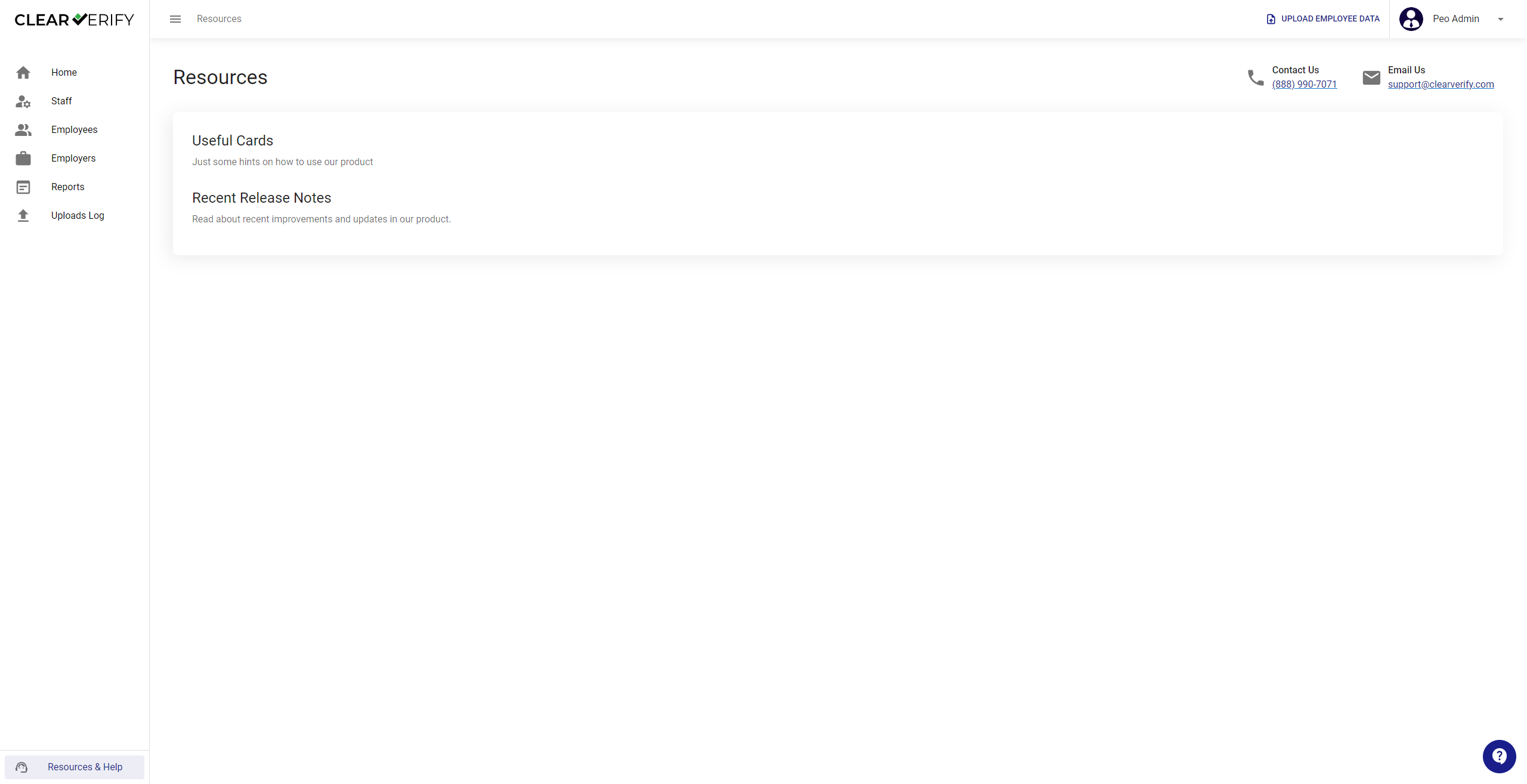
To access these resources and other helpful information, click on Resources & Help from any screen.
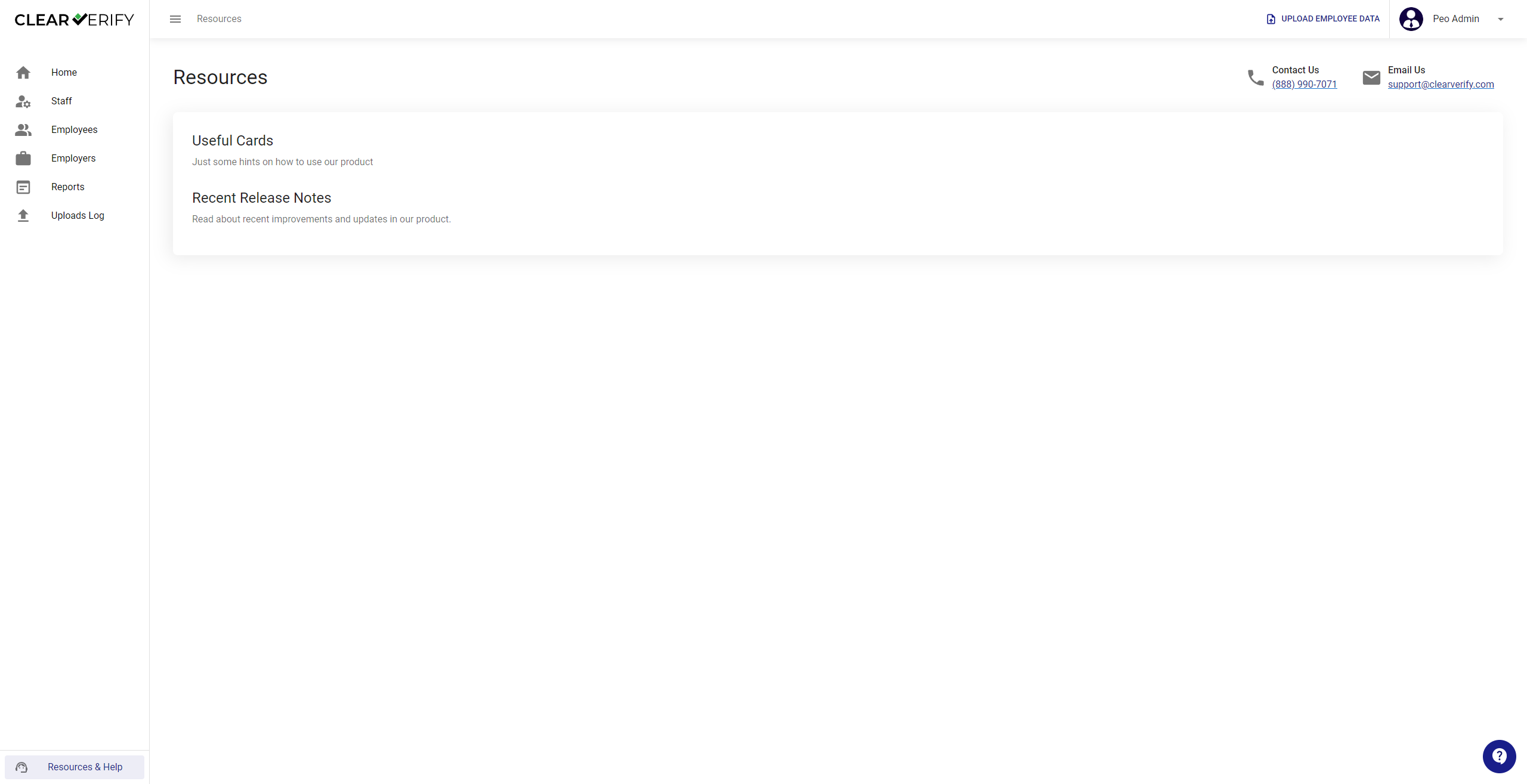
In addition to accessing the PEO Help Center, you will find our Terms and Conditions, information about other HR Logics Products, Release Notes, and more.
If you ever need support, you can select to call or email us in the Resources & Help tab and a member from our team will respond to your question(s).
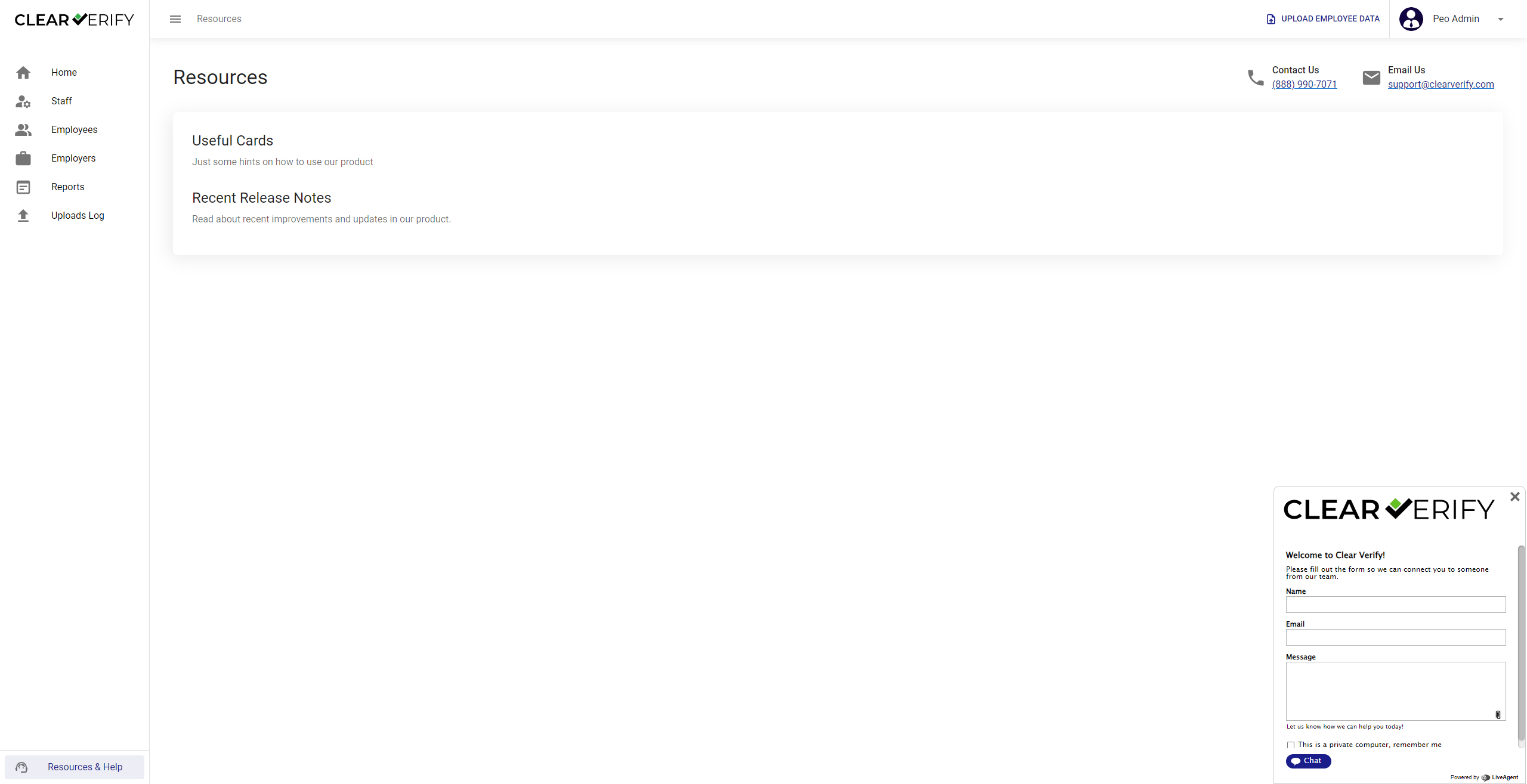
You can always select the ‘?’ icon in the bottom right corner and be prompted to submit a question or chat directly to us as well.
Need more help?