
With the Clear Verify Home Dashboard, you can effortlessly monitor the status of your employers’ employees’ verifications and data disputes. We've made it even more user-friendly by introducing the Verification Inbox. This inbox streamlines tracking and improves usability, allowing you to stay up-to-date on your employee’s verifications. Continue reading to discover how to use the Clear Verify Verification Inbox.
Features:
- Searching and Filtering the Inbox
- Data Disputes
- Verification Report Created
The Home tab houses one of our favorite features, the Verification Inbox. Here you will find all of the employee verifications and data disputes on the platform.
Searching and Filtering the Inbox
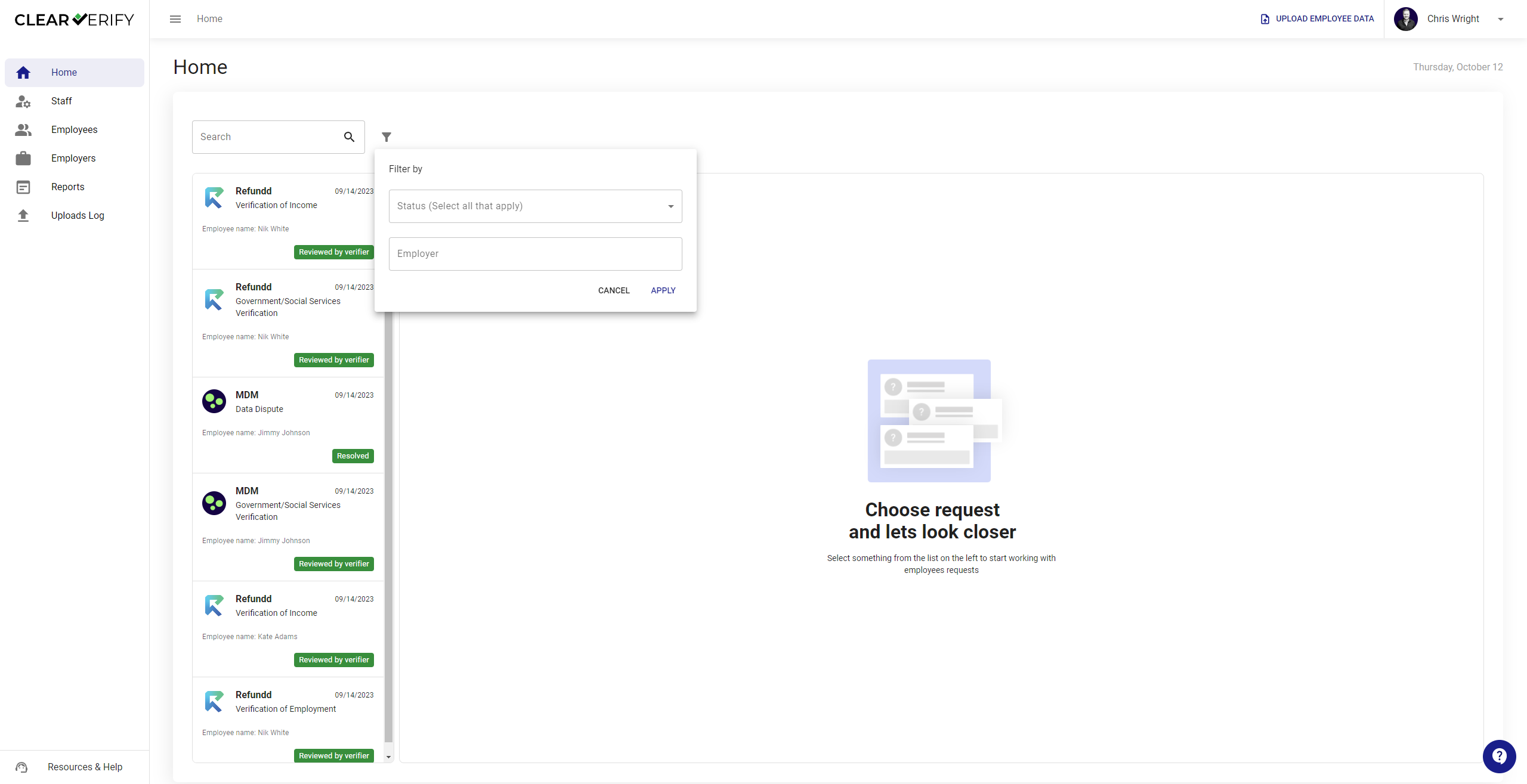
To help you quickly locate the verification request you are looking for, utilize the search and filter tool.
Data Disputes
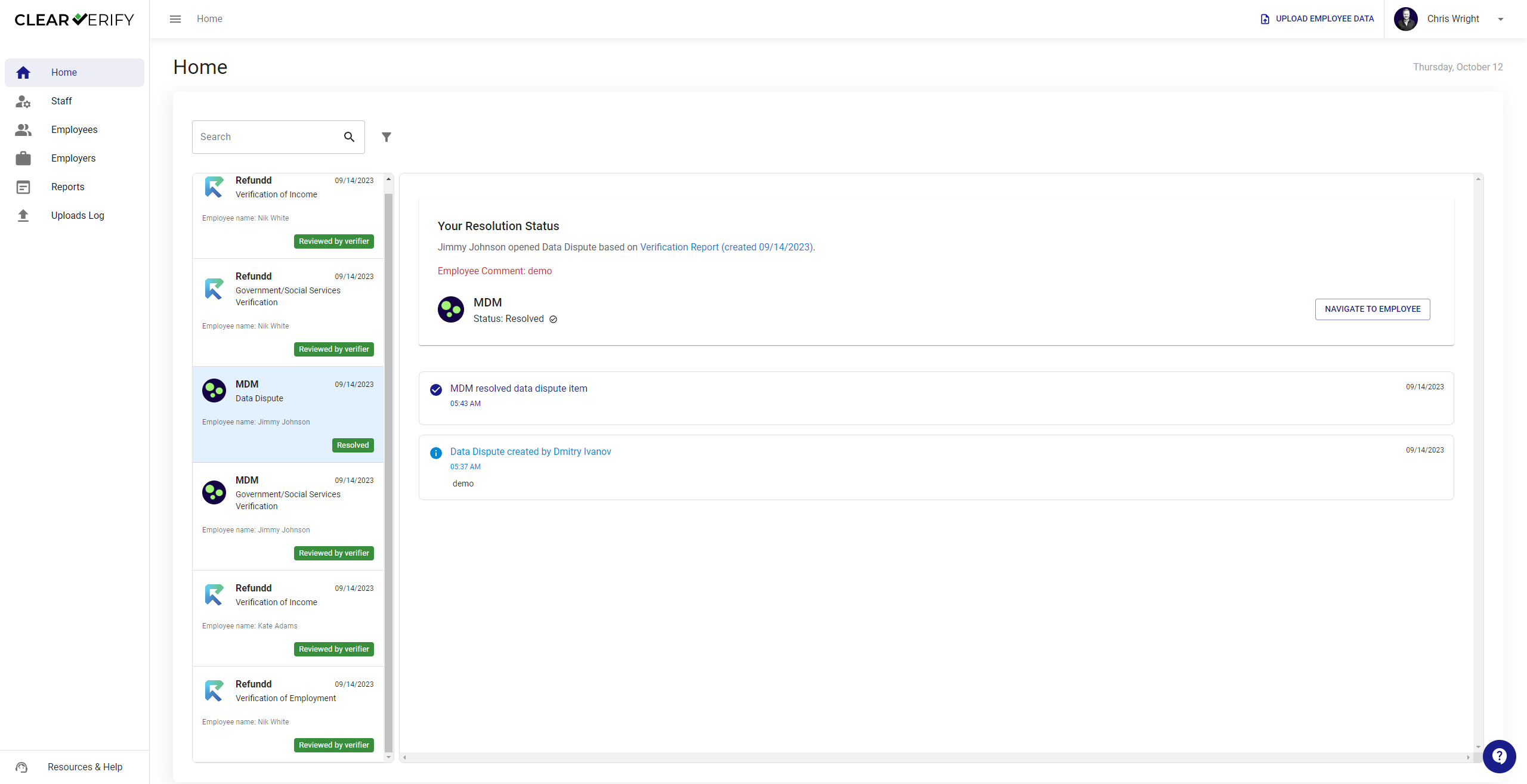
When an employee disputes their employment and/or income data, you will be notified and see an inbox item for the dispute.
Verification Report Created
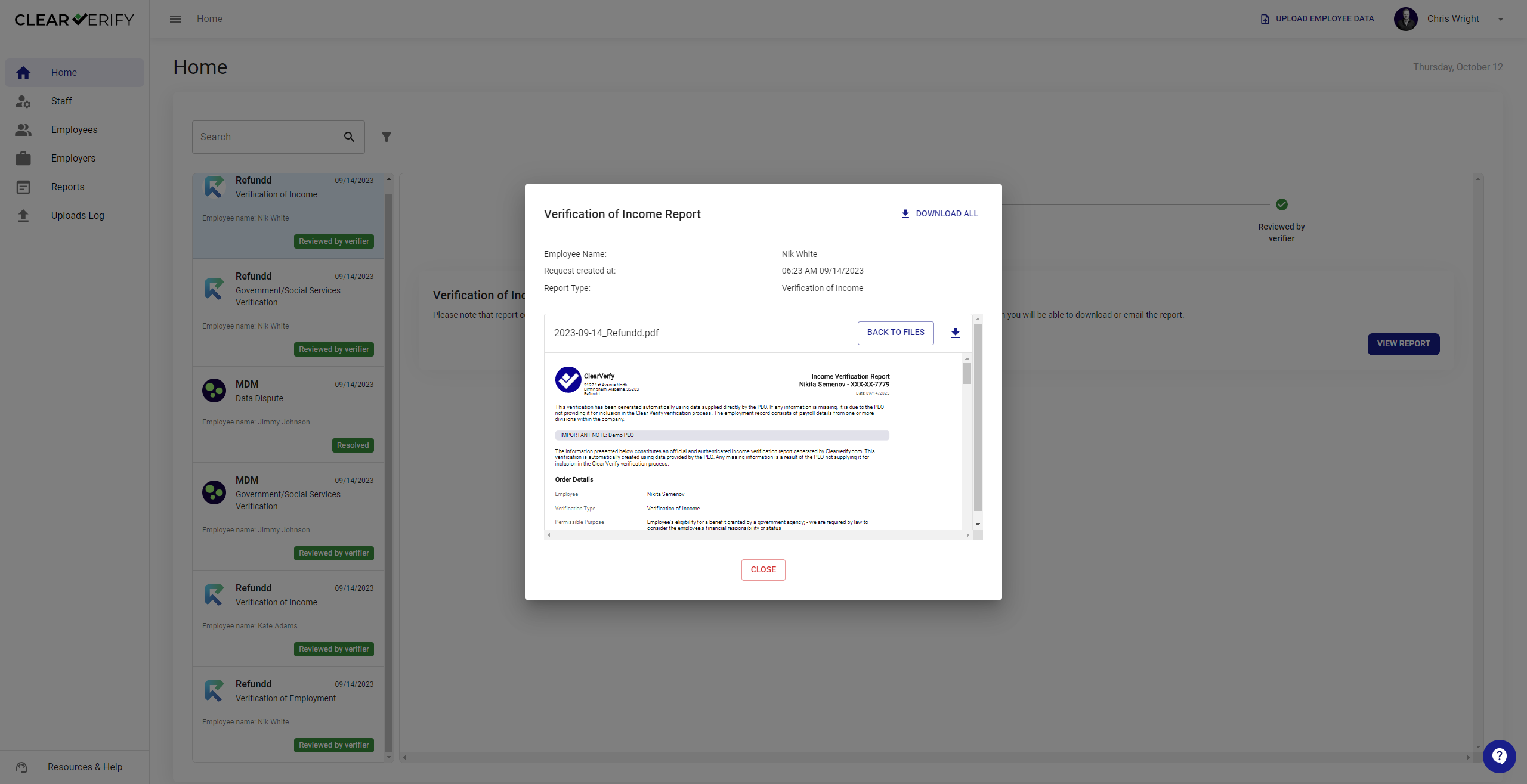
When a verification request has been confirmed, the request will transition to the ‘Report Created’ status. You will be able to view or download these reports.
Need more help?