
In the Employers tab, you can view all your employers in Clear Verify and setup their base structure on the platform.
Topics:
- Employers Table
- Adding Employers
- Employers Details
Employers Table
The Employers Table shows you all employers within the platform, their basic information, and their status (whether or not they have set up a Clear Verify account).
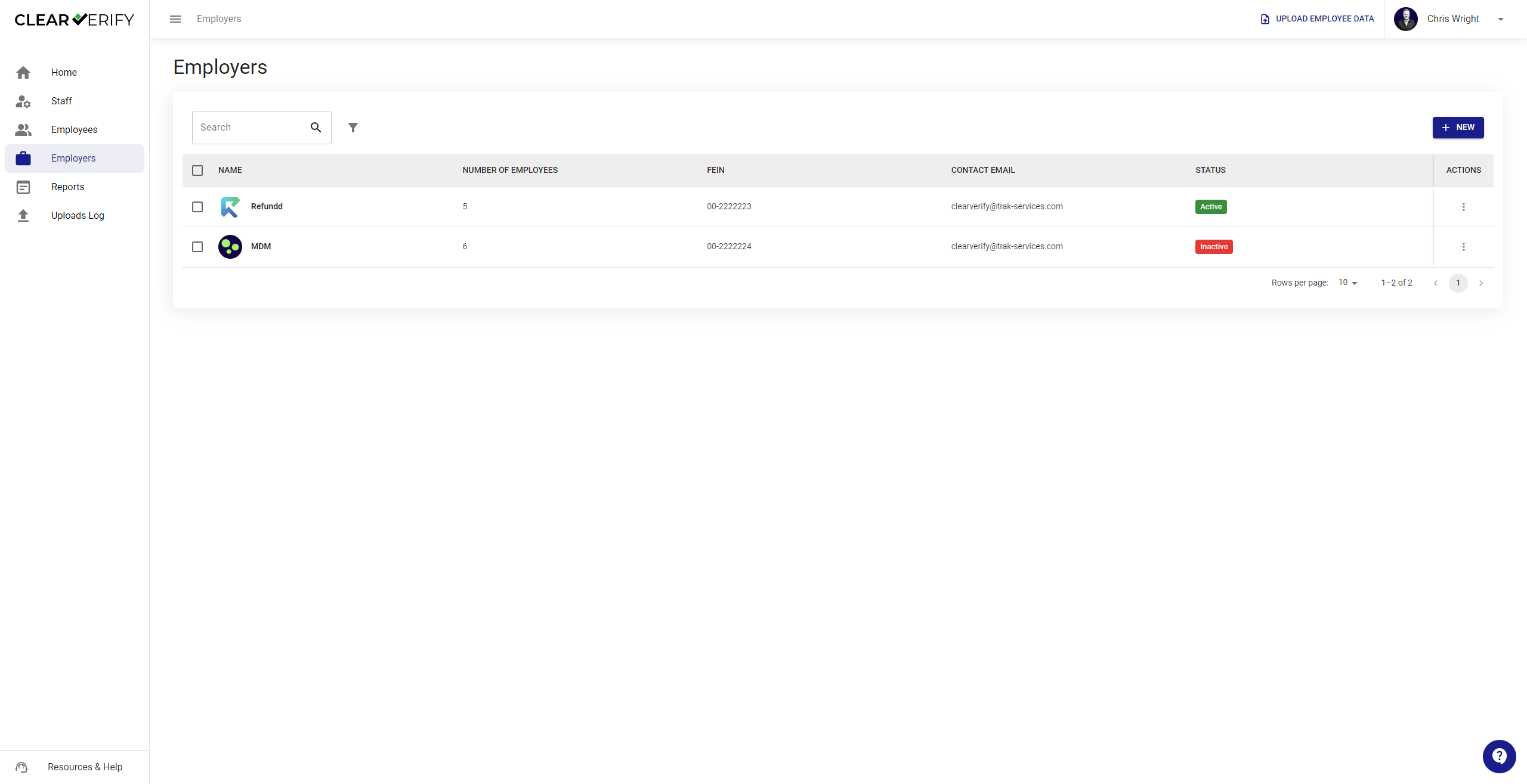
Inviting Employers
Employer Invite: You have the option to invite your employers as individuals or in bulk by selecting adding new employers via the templated file provided. This should be an easy process that allows for singular or bulk uploads of employers.
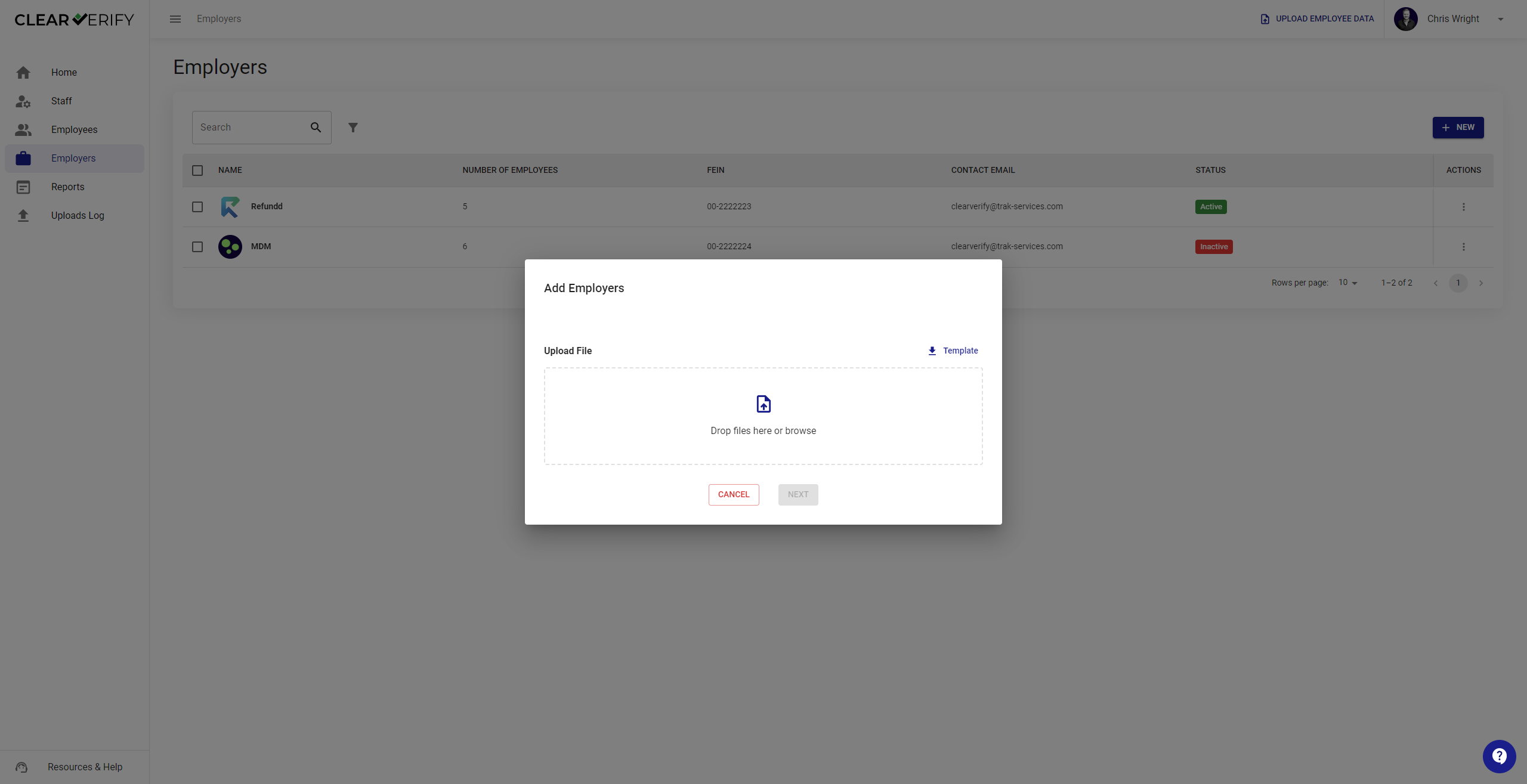
Using the Employer Upload Template
From the “Add Employers” section shown above, click on the “template” button to download. Populate the information requested for your employers within this schema, save the file, and upload to the platform.

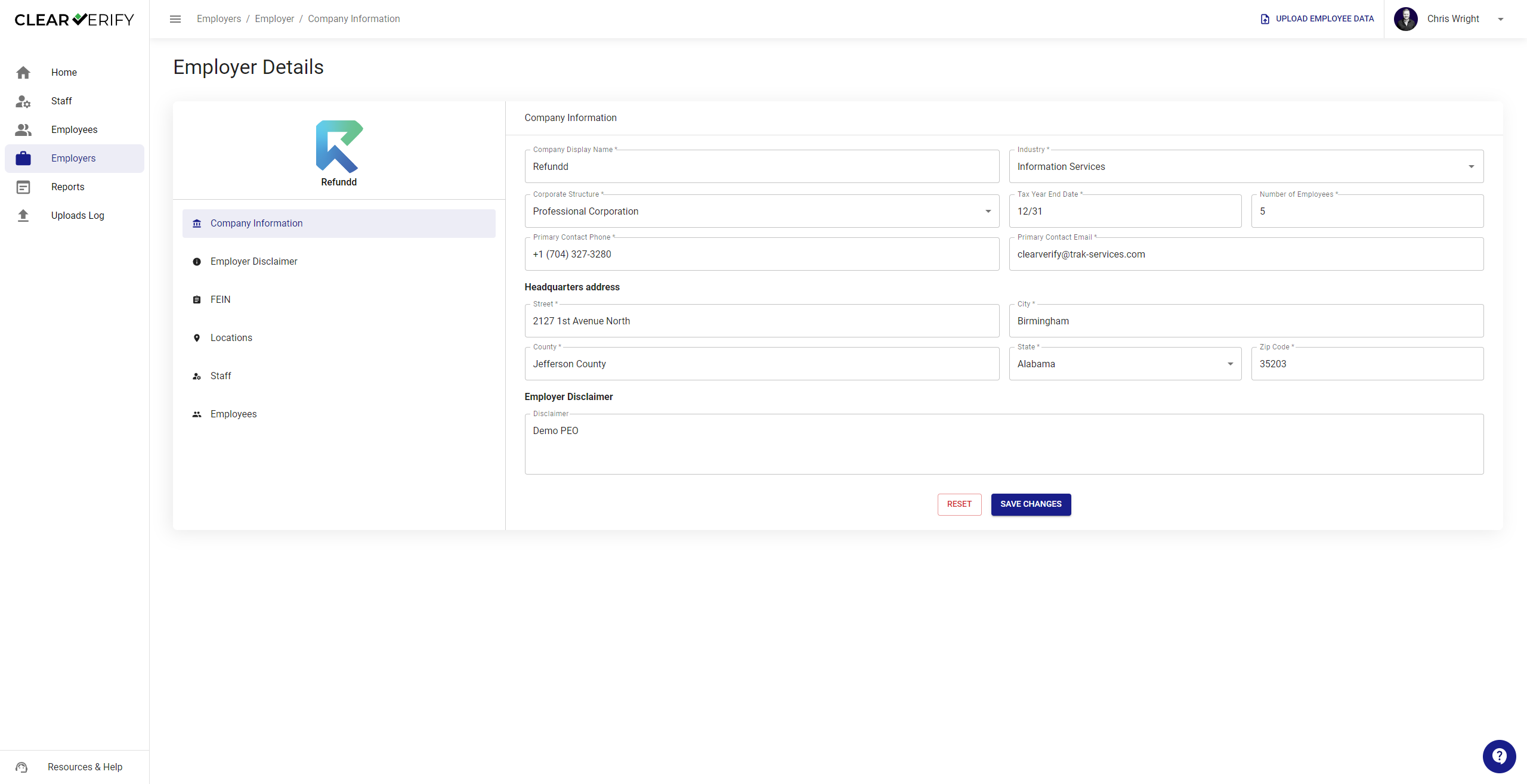
Employer Details
To view the details of a employer, click the icon under the “Actions” column next to an employer, then click ‘View Details’. This will show you various details about the employer, including their company information, employer disclaimer, FEIN, Locations, Staff, and Employees.
Need more help?