
Welcome to your Clear Verify Dashboard! From your dashboard, you can monitor employment and income verifications being performed on your behalf, view your employment data, send employment and income verifications, access resources, chat with support, and more. The Clear Verify dashboard was designed with ease of use, transparency, and speed in mind.
Dashboard:
- Home: Verification Inbox
- My Data
- My Verify
- Reports
- Resources & Help
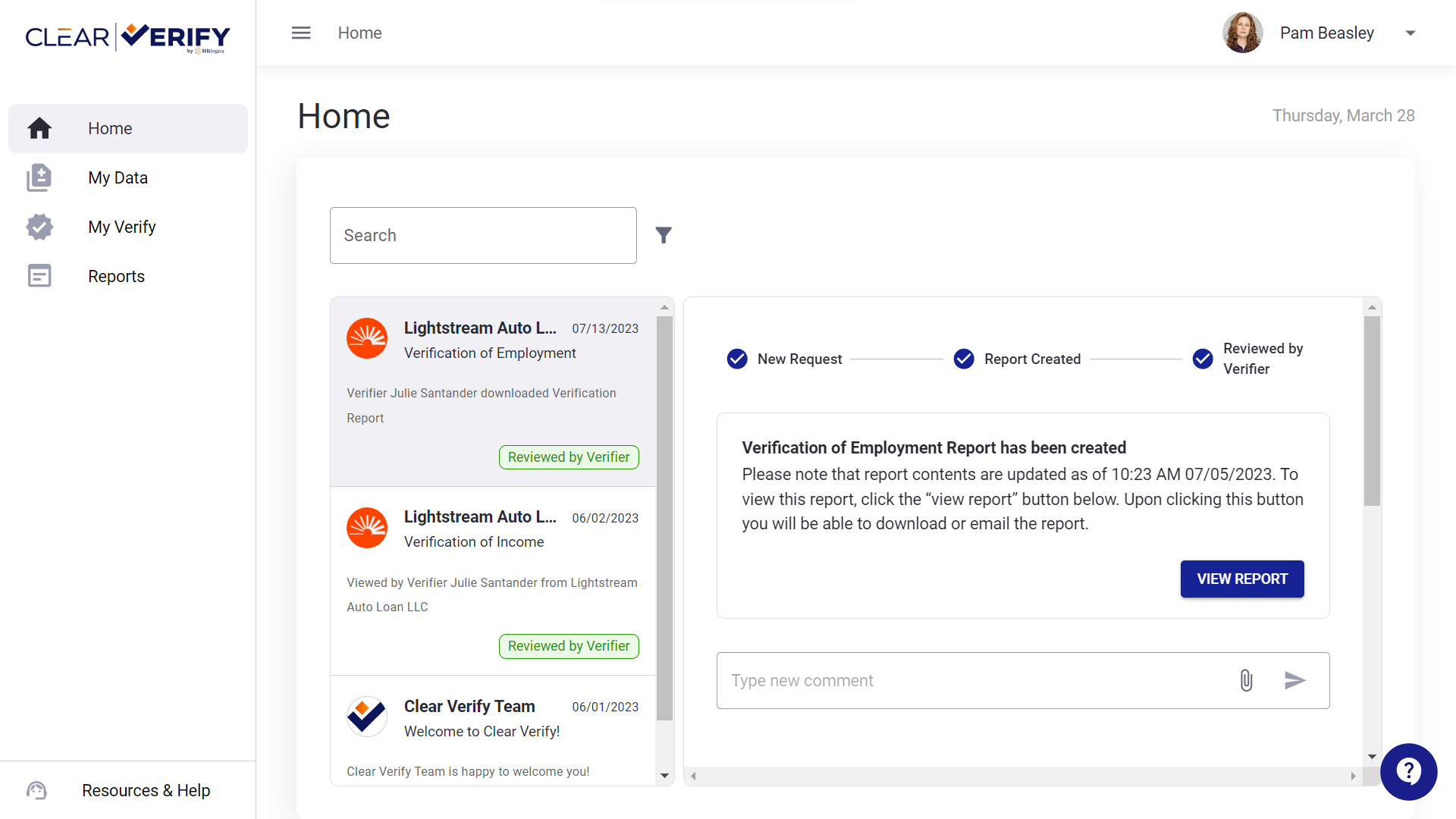
Home: Verification Inbox
On the Home tab, you will find the Verification Inbox. Here, you have access to search and filter both historical and current verifications.
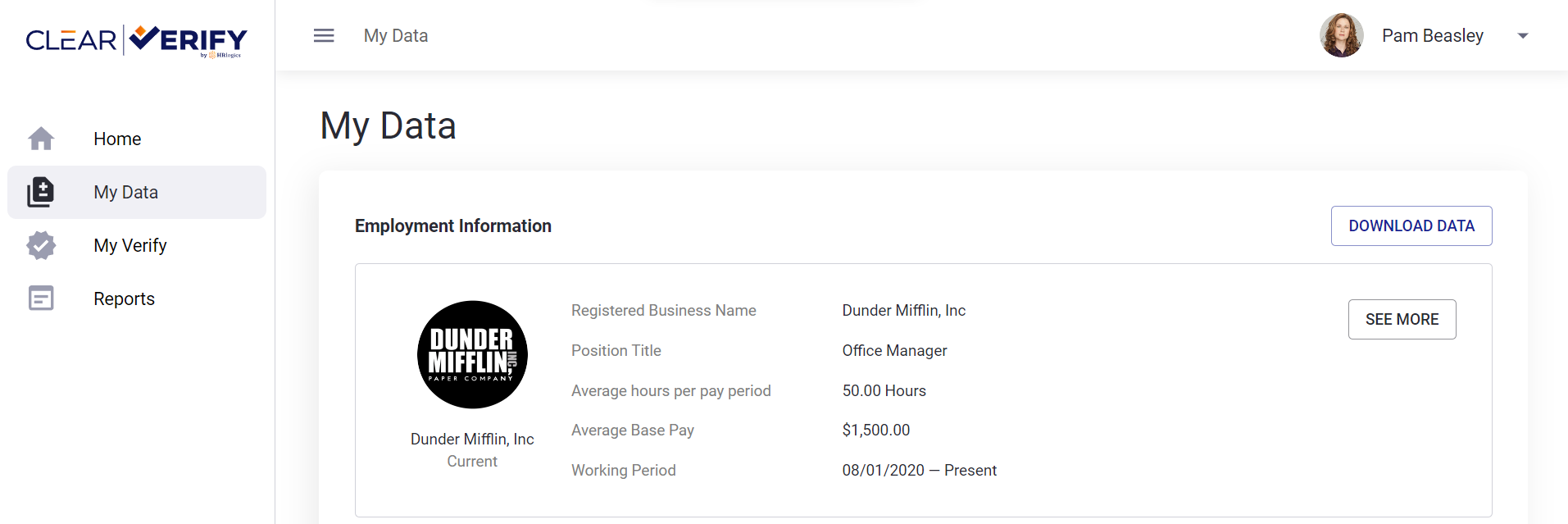
My Data
To view your personal employment and income data, go to the My Data tab.
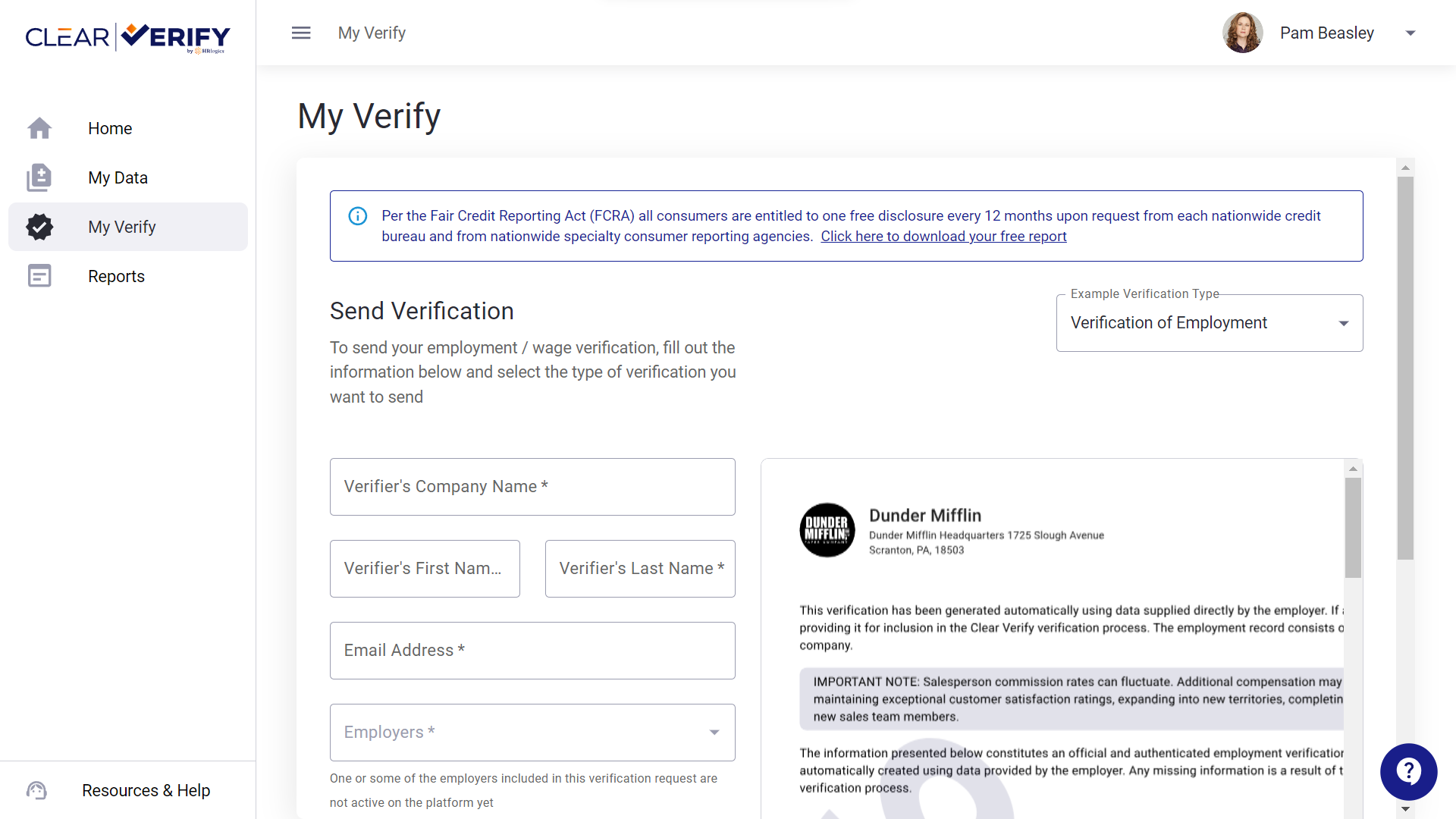
My Verify
To proactively send verification reports to verifiers (mortgage brokers, auto lenders, etc.), download Work Letters, or download your Annual Free Verification report, go to the My Verify tab.
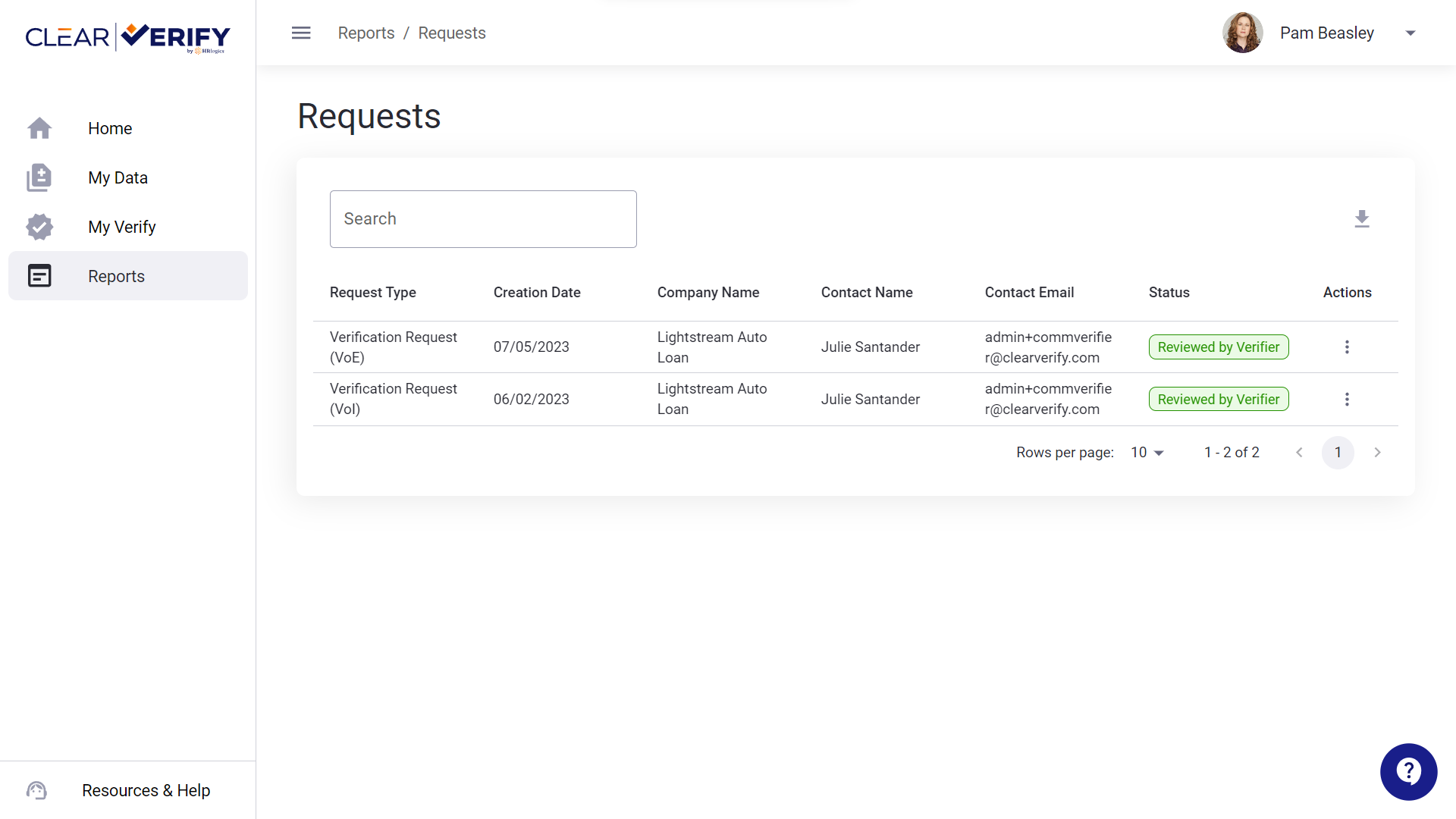
Reports
To view all of the verification requests for your employment and income, click on the Reports tab.
Resources & Help
To access resources and other helpful information, click on Resources & Help from any screen.
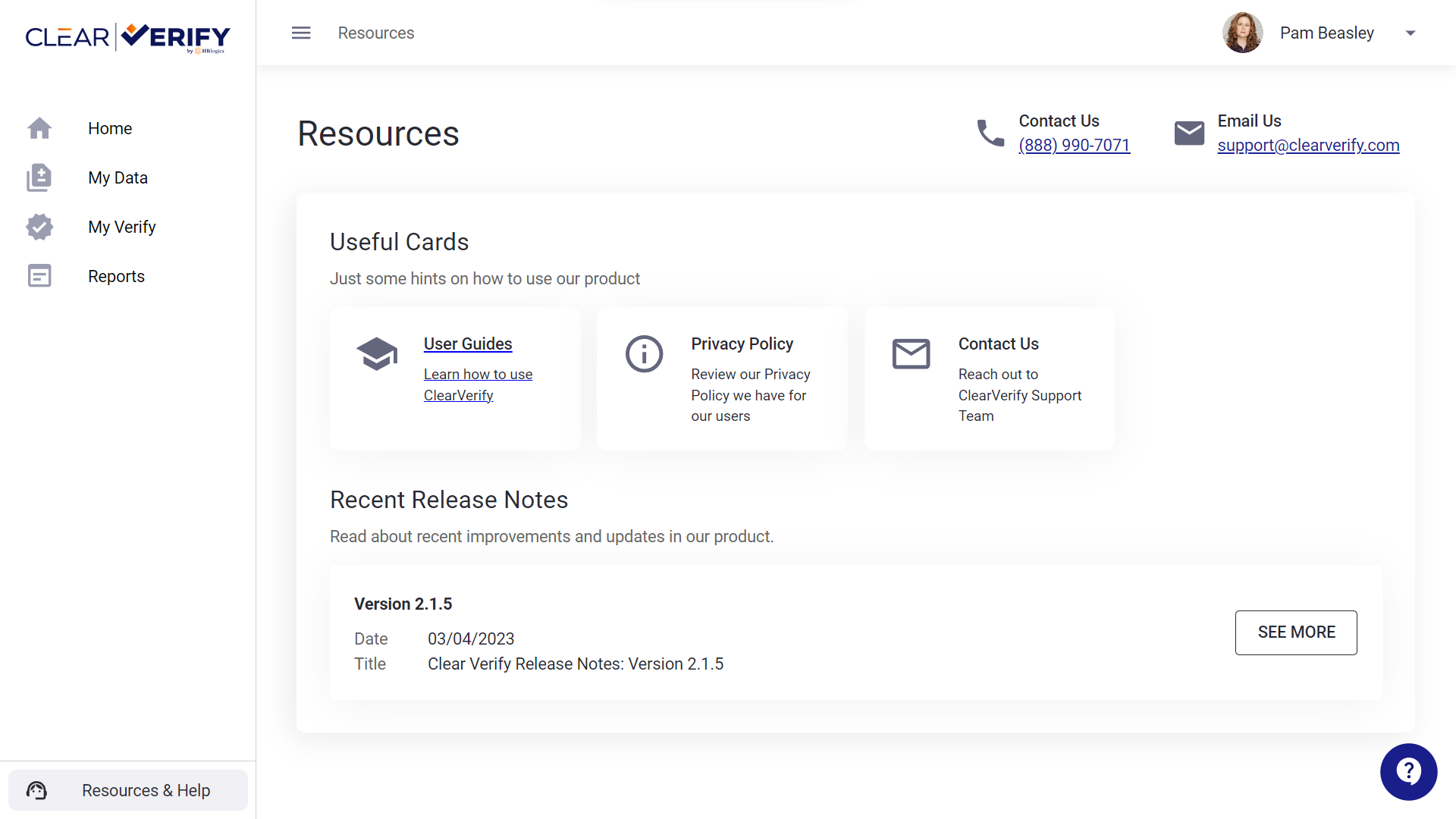
In addition to accessing the Employee Help Center, you will find our privacy policy, resources, and more.
Need more help?