
At Clear Verify, visibility is one of our core values. With that in mind, we strongly believe that you should have access to and be able to verify the accuracy of the data within our system. To conveniently access this data, simply navigate to the My Data tab.
Reviewing Your Data
Navigate to the My Data tab in your Clear Verify account. In the My Data tab, you will see a listing of the different positions you have held (that have been submitted to our system) and a detailed history of these positions, companies, wages, and other information.
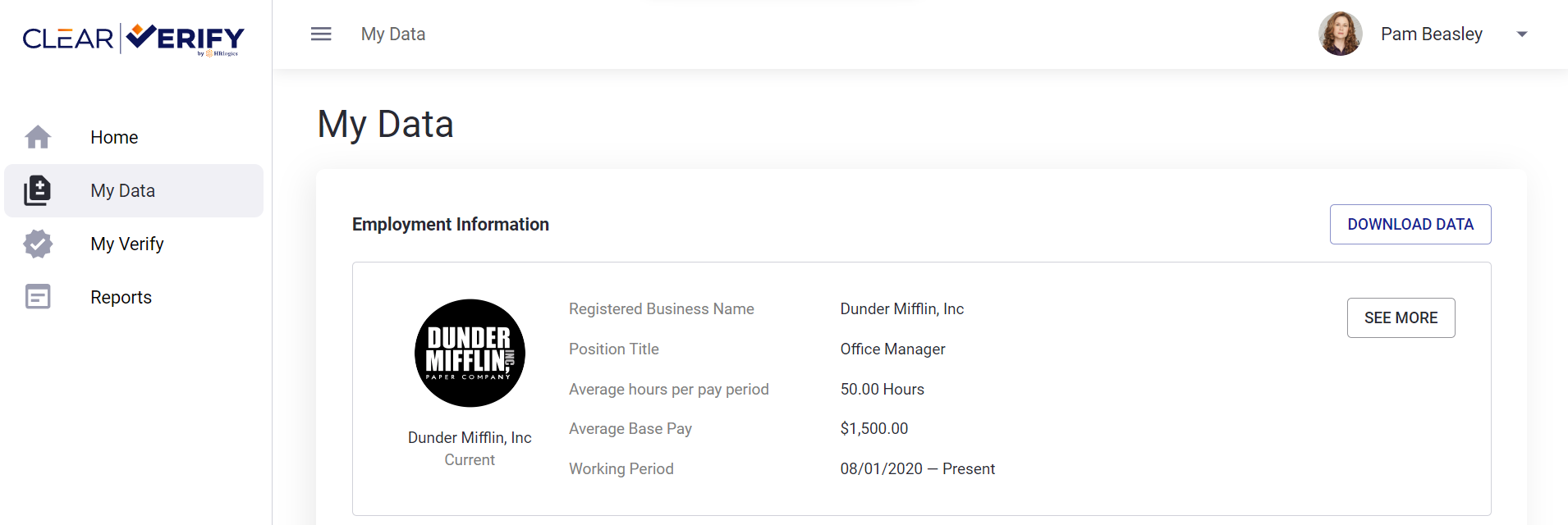
To view the detailed information for a position, click ‘See More.’
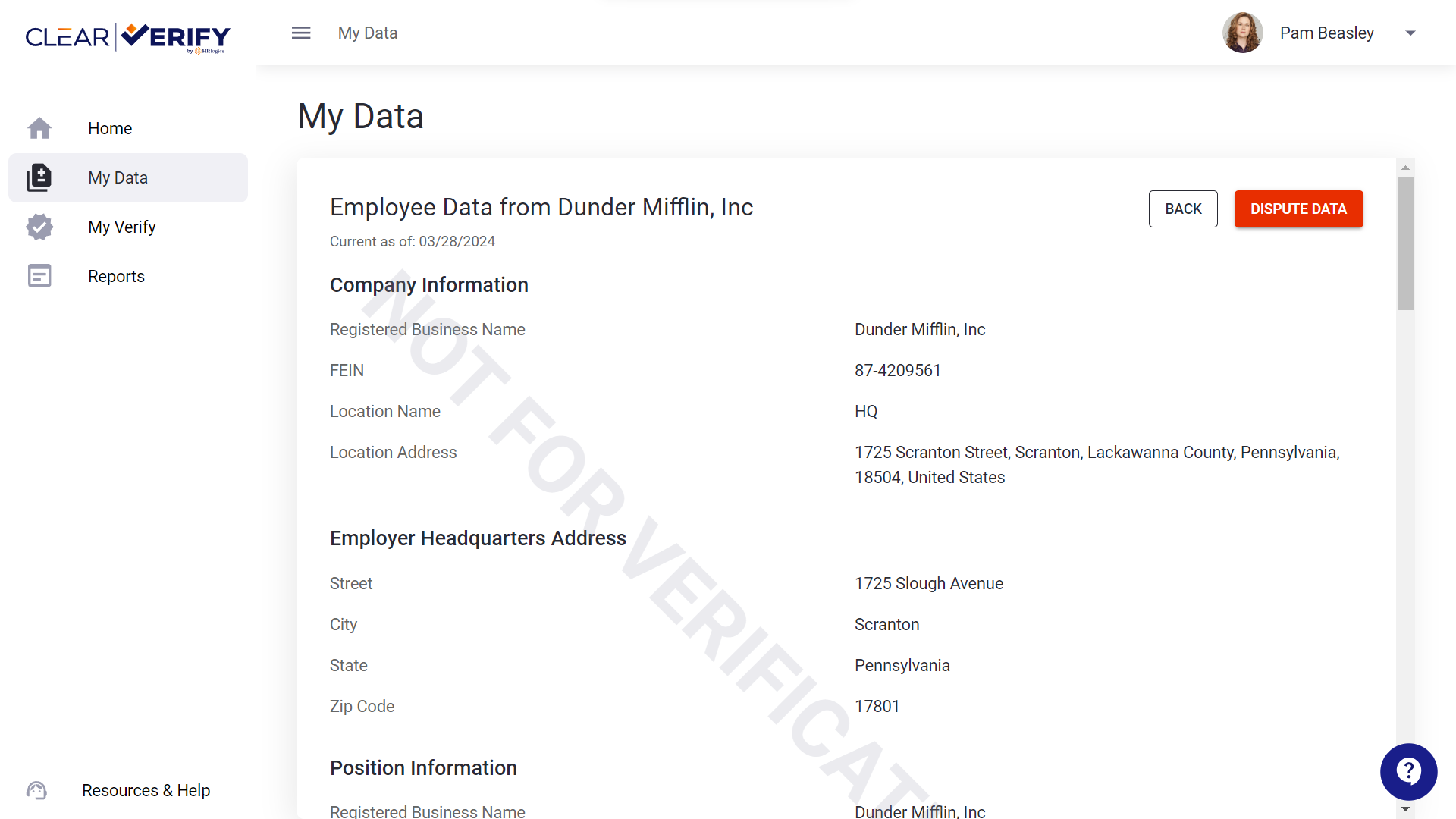
Additionally, you have the option to download your data. To do so, click ‘Download Data.’
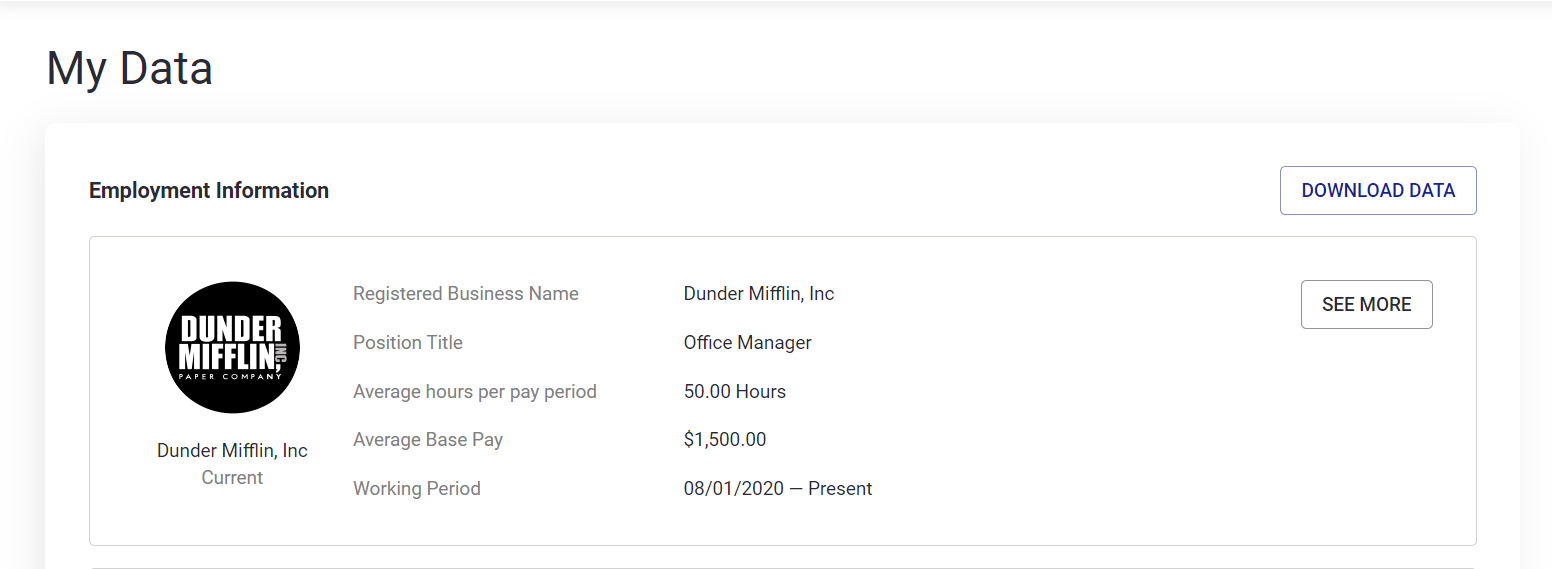
Finally, if your data is inaccurate, you have the option to dispute the data within our system. To start this process, click ‘Dispute Data.’
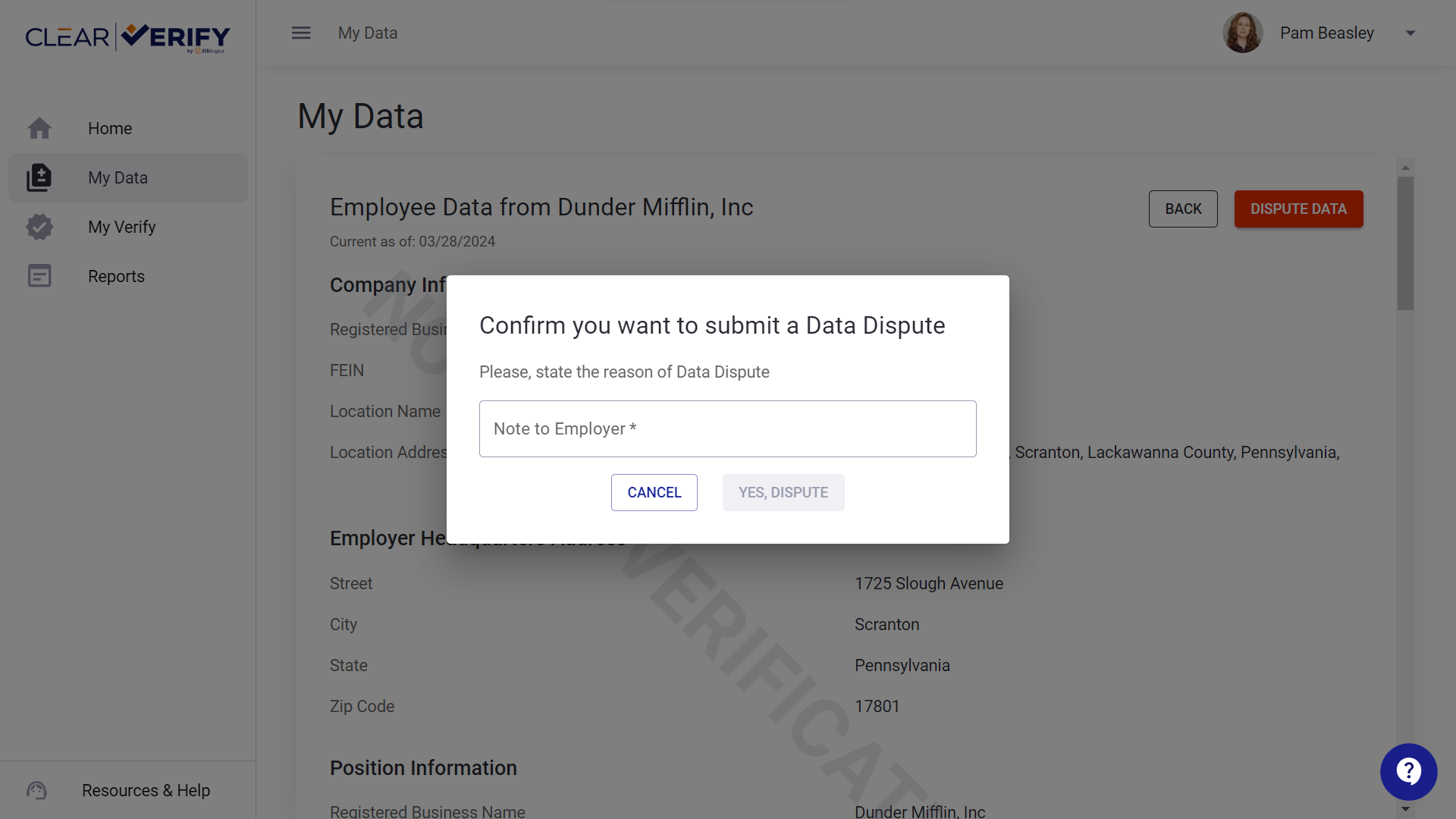
You will see a pop-up asking you to confirm this action. Once you have confirmed, your employer will receive a notification and you will be able to monitor the progress through the Verification Inbox.
Need more help?