
To manage various settings within your account, head over to the My Account section by selecting the dropdown next to your name.
My Account Menu:
- Personal Information
- Company Information
- Billing
- Payment History
- Notifications
- Sign-In & Security
- Multi-factor Authentication
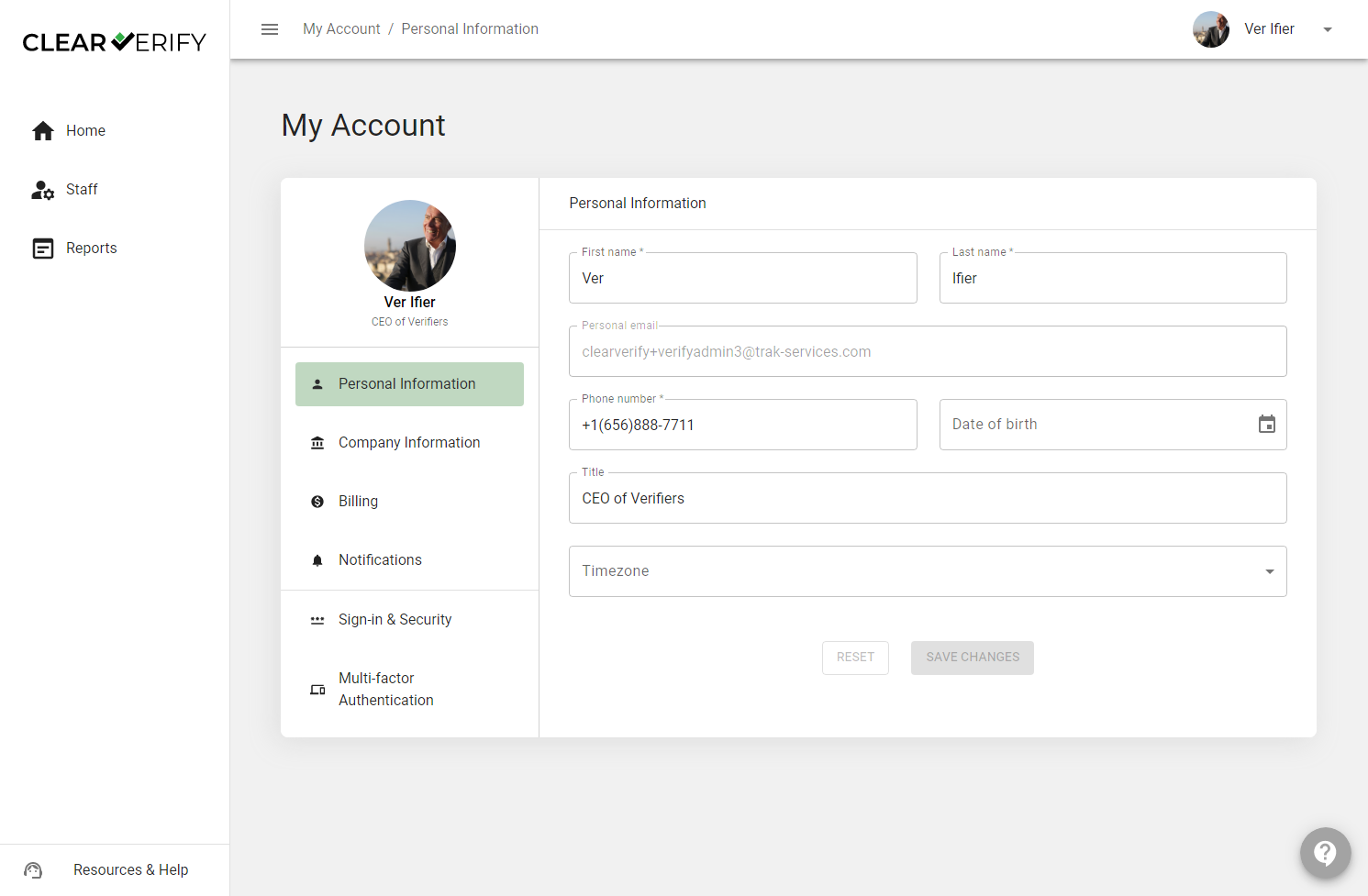
Personal Information
To view or make changes to your personal information (e.g. name, phone number, title, etc.) utilize the Personal Information section.
Company Information
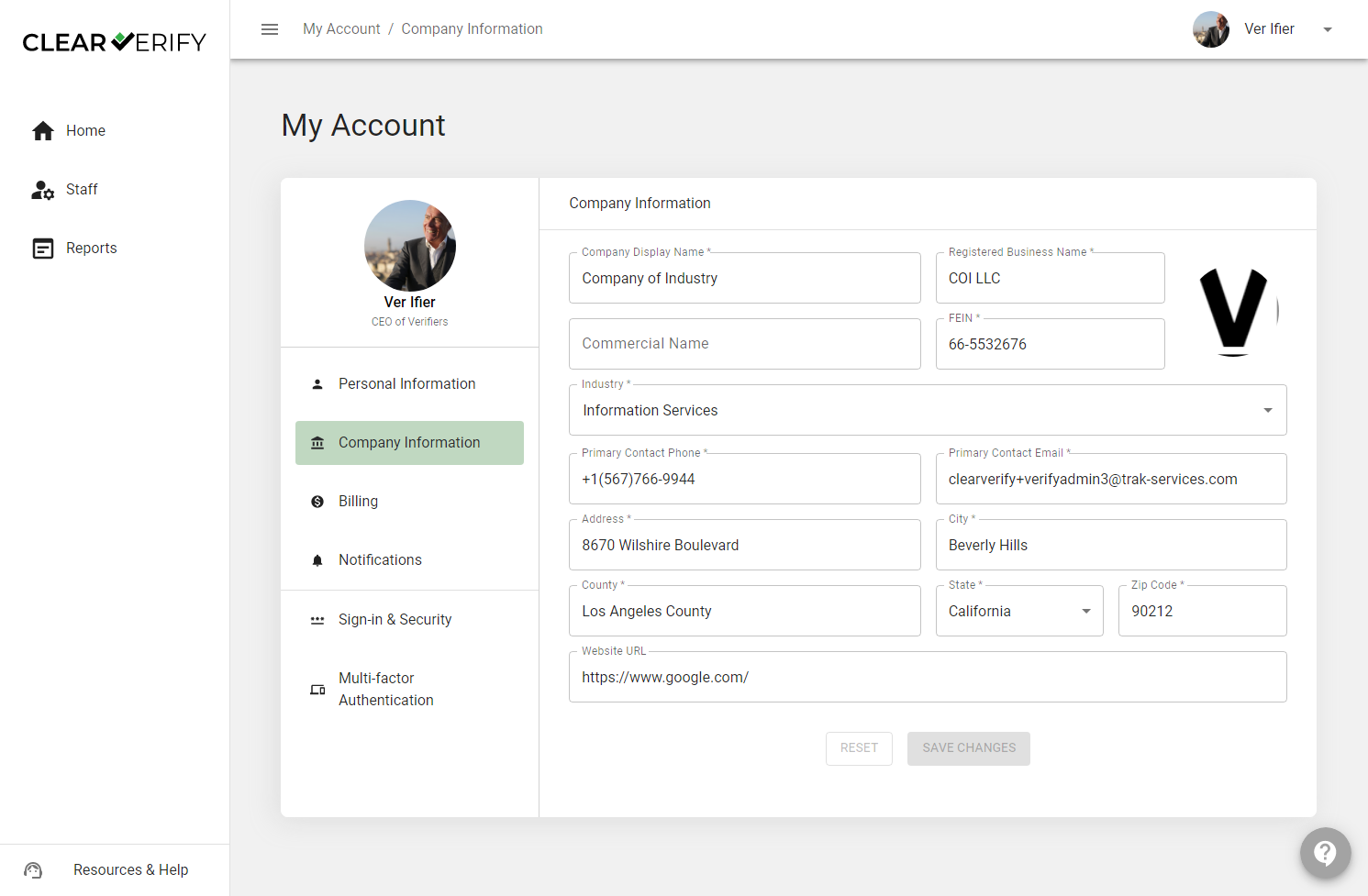
To view or make changes to your company information (e.g. display name, industry, address, etc.) utilize the Company Information section.
Billing
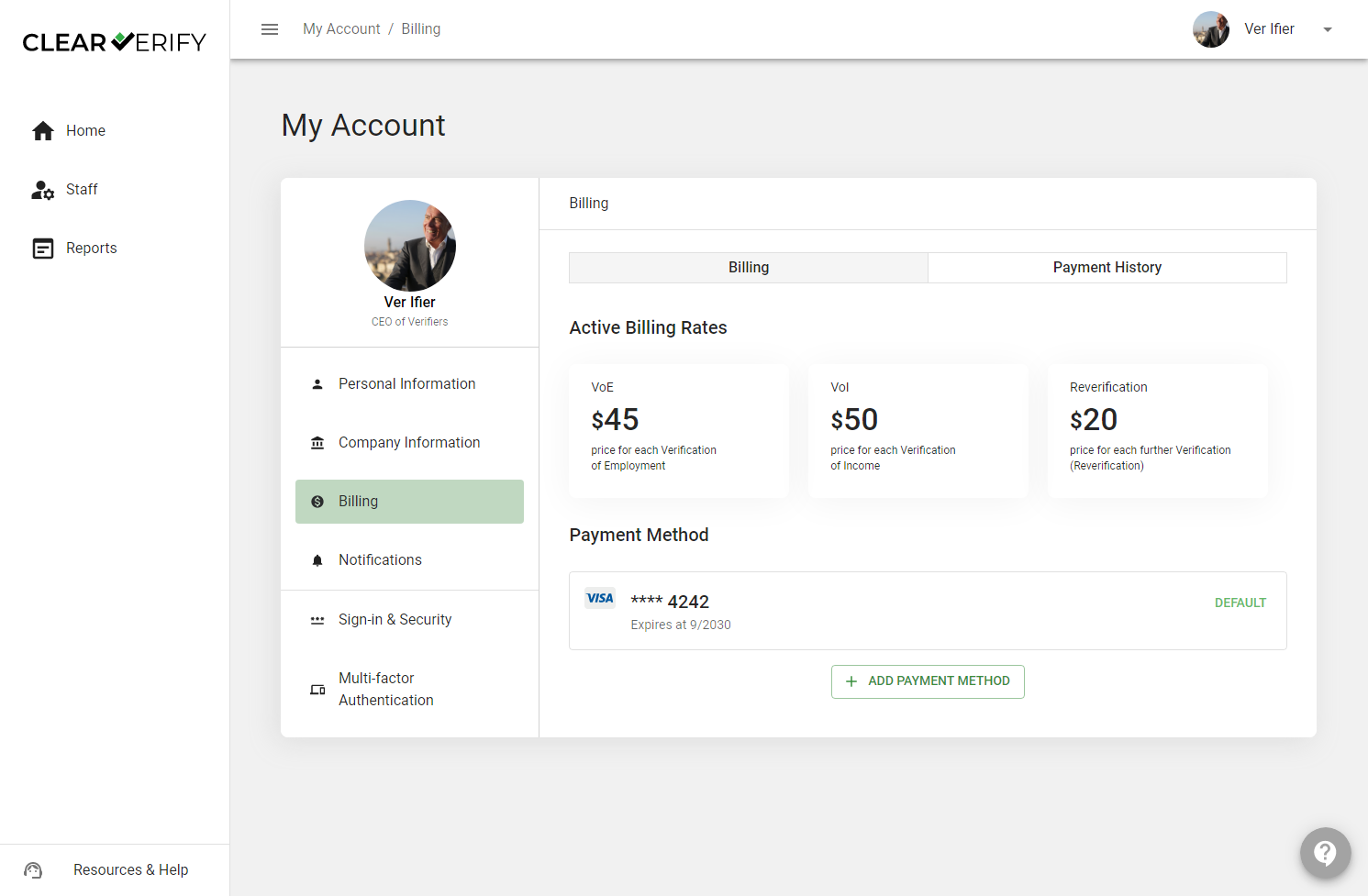
At the top of the Billing page, you can toggle between ‘Billing’ details and your ‘Payment History.’
Billing
To view your billing rates, payment methods, and payment history, utilize the ‘Billing’ tab.
Payment History
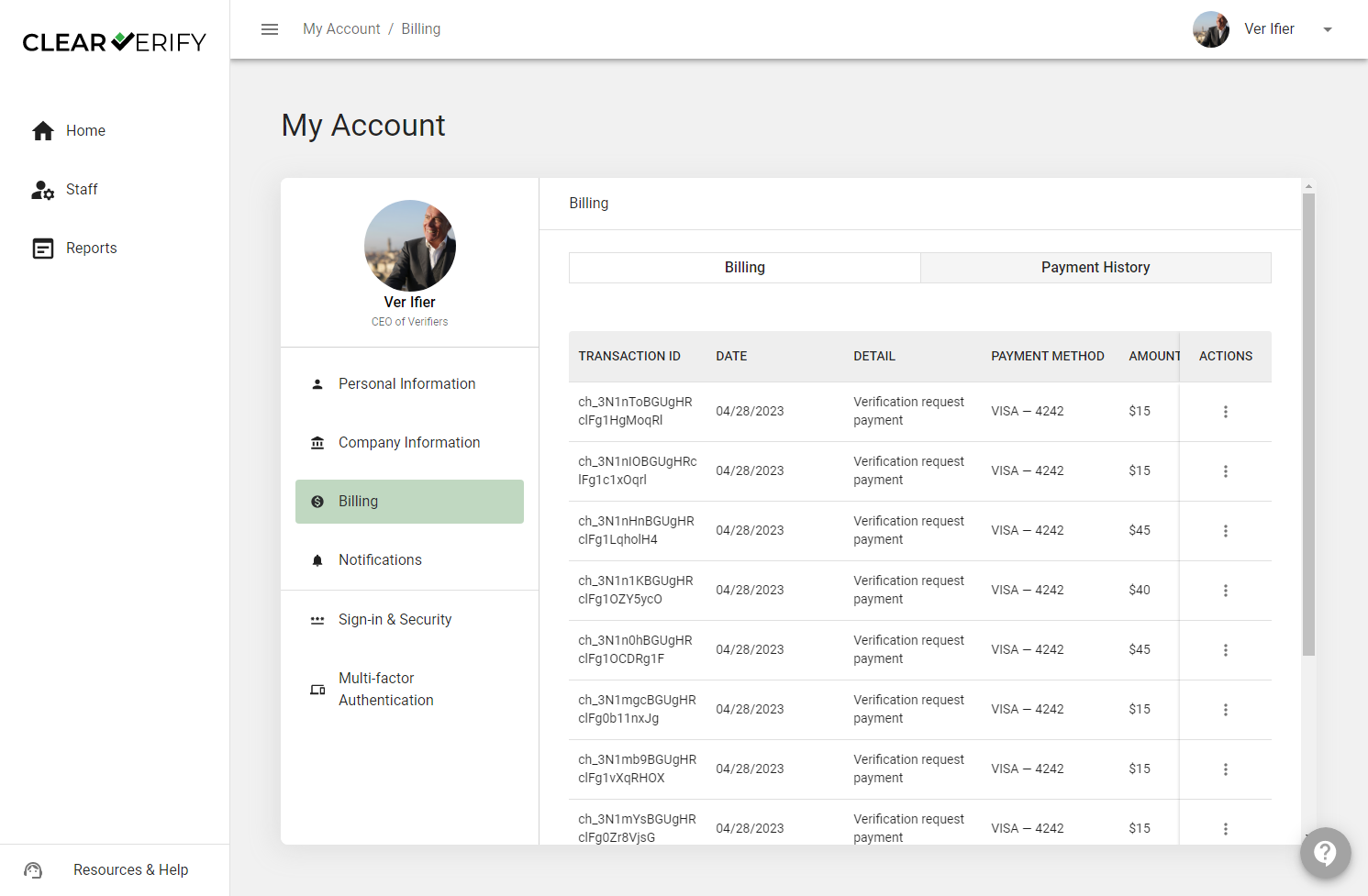
By clicking ‘Payment History’, you can see a detailed breakdown of your verification transactions.
Notifications
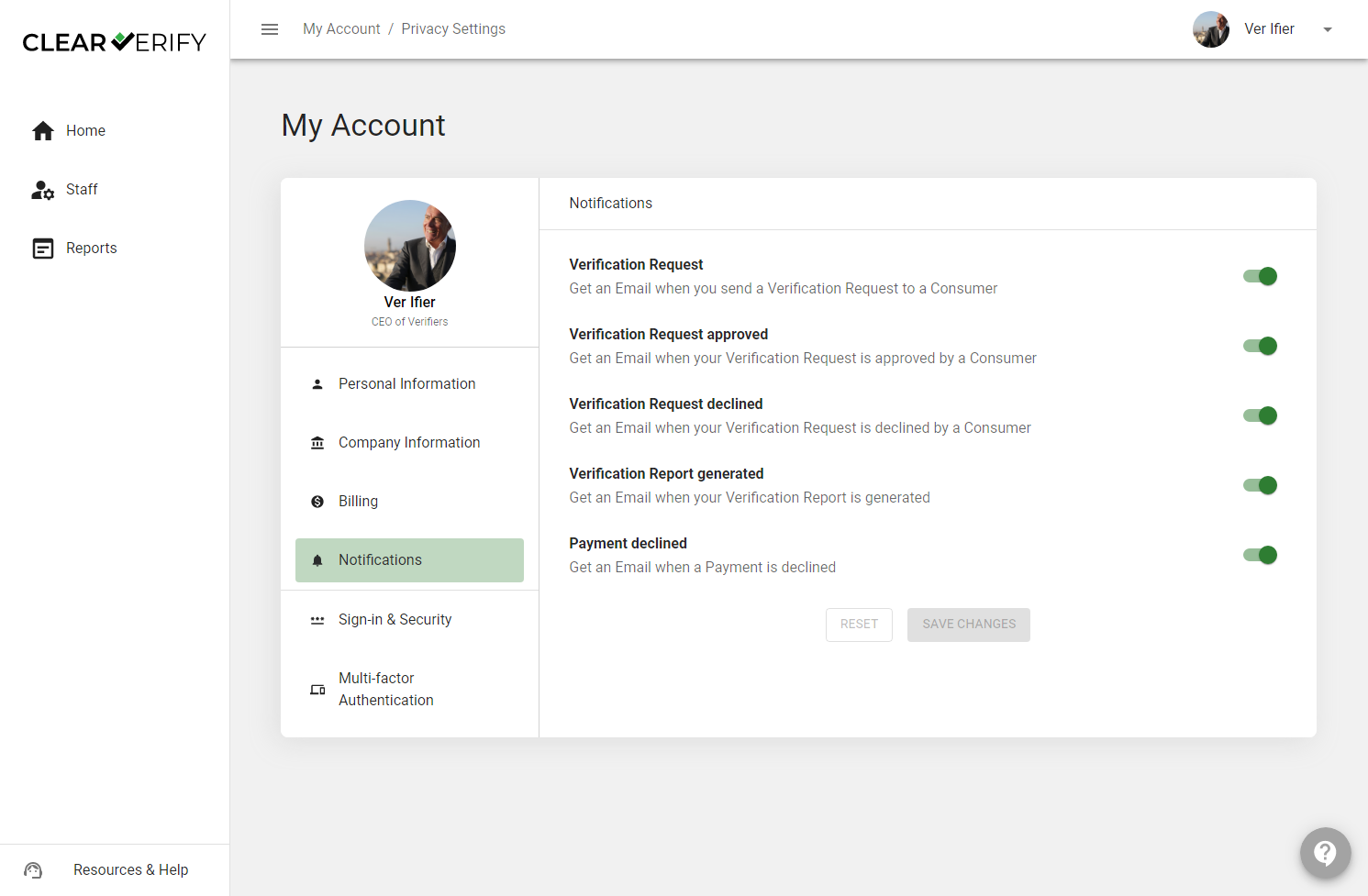
Customize your Clear Verify email notifications with our easily adjustable Notifications tabs.
Sign-in & Security
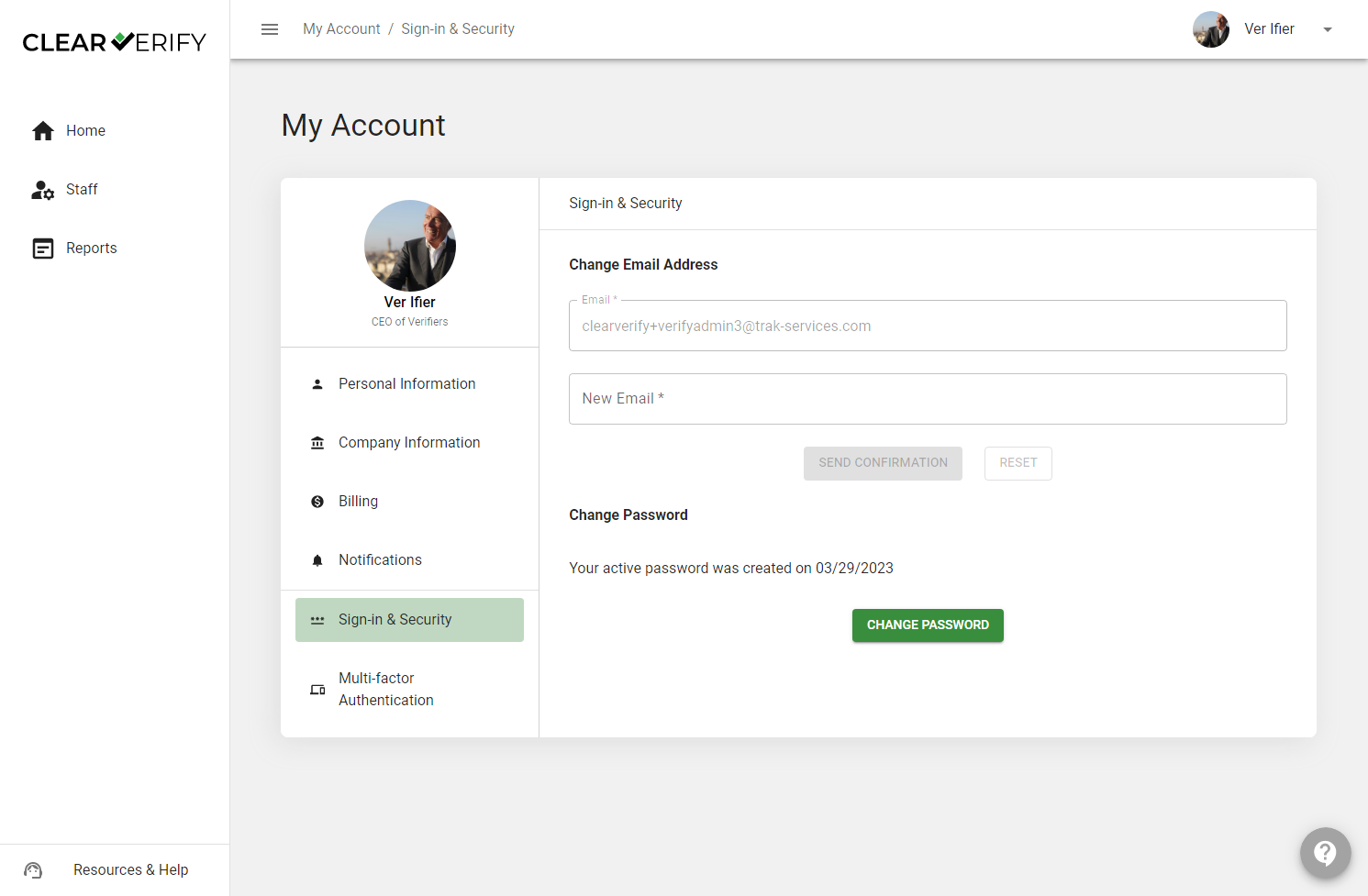
Utilize the Sign-in & Security section to change your password or email.
Multi-factor Authentication
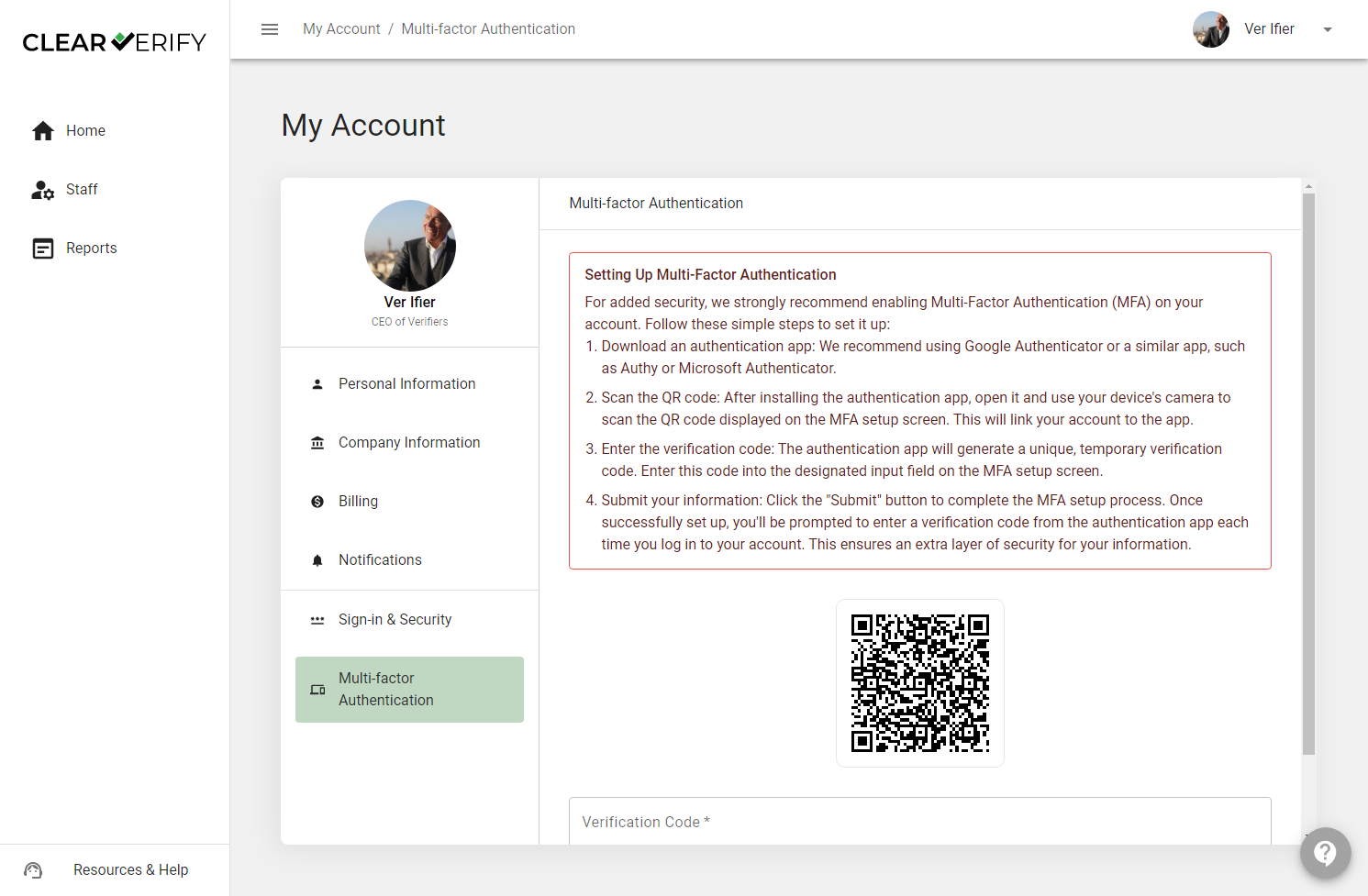
Activate Multi-factor Authentication for more robust security by using our QR code and instructions to quickly sign up.
Need more help?