
Once a verification report has been requested and generated by a verifier, you will gain access to the report. Keep reading to learn how to view and download verification reports in Clear Verify.
Accessing Verification Reports
To access a verification report, navigate to the Home tab. Then, select the verification request you want to view, and click ‘View Report.’
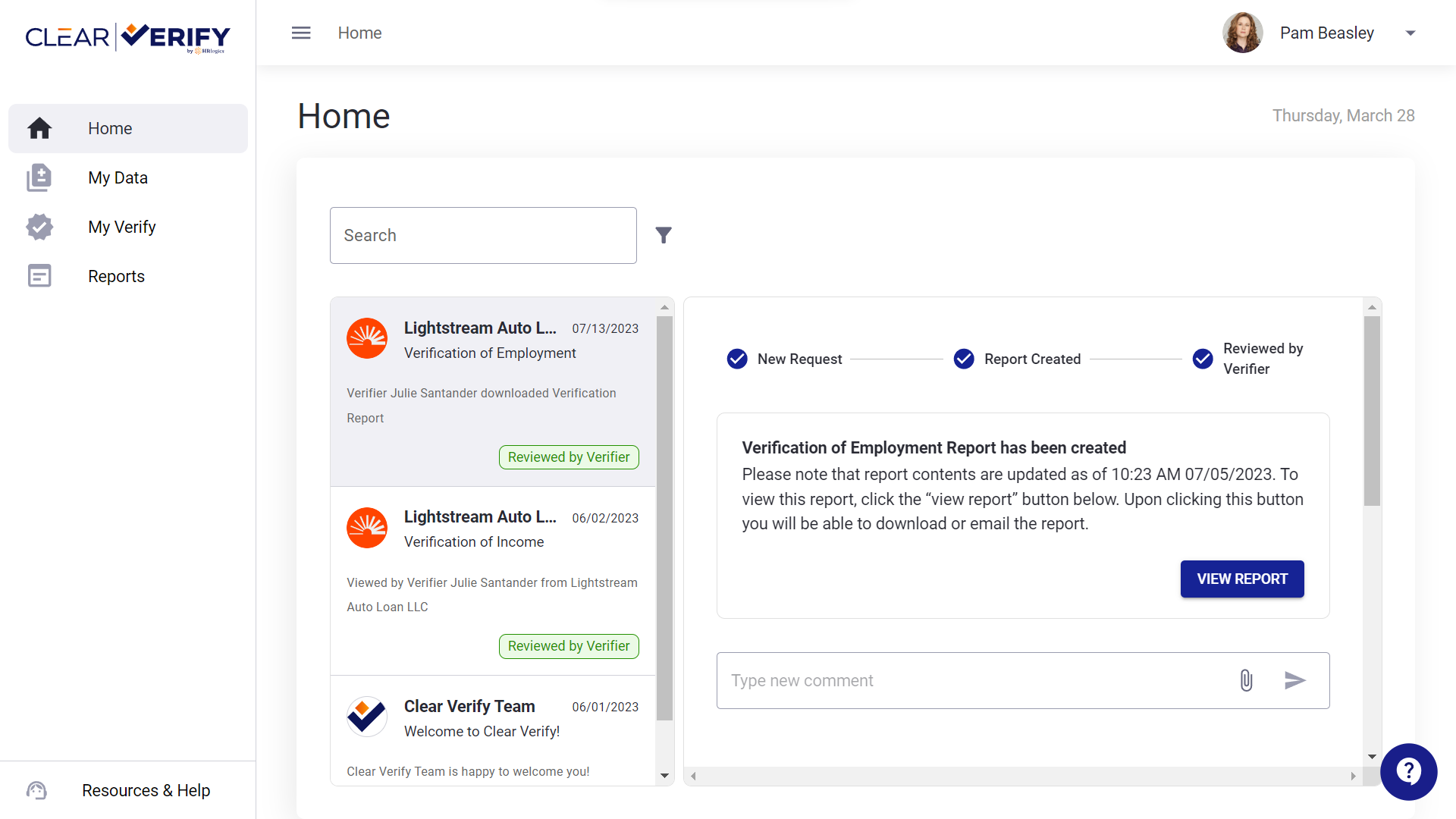
You will see a modal pop up, outlining the verification request, including:
- Verification Details: All order details pertaining to this verification request
- Report Preview: Preview of the report, allowing a quick look at the verification report
- Download: Button allowing you to download the verification report
You can return to this detail screen as needed to download, send, or review the verification report at your convenience.
Need more help?