
Your privacy is extremely important to us which is why we have integrated features into Clear Verify to ensure that you have ownership over your data.
Features:
- Freeze Your Data
- Authorize Verifications (Optional)
You can access this feature by navigating to My Account (by using the toggle next to your name)
Freeze Your Data
You are able to freeze or unfreeze your data at any time through your online portal. This will block all commercial verifiers from accessing your data until you unfreeze your data.
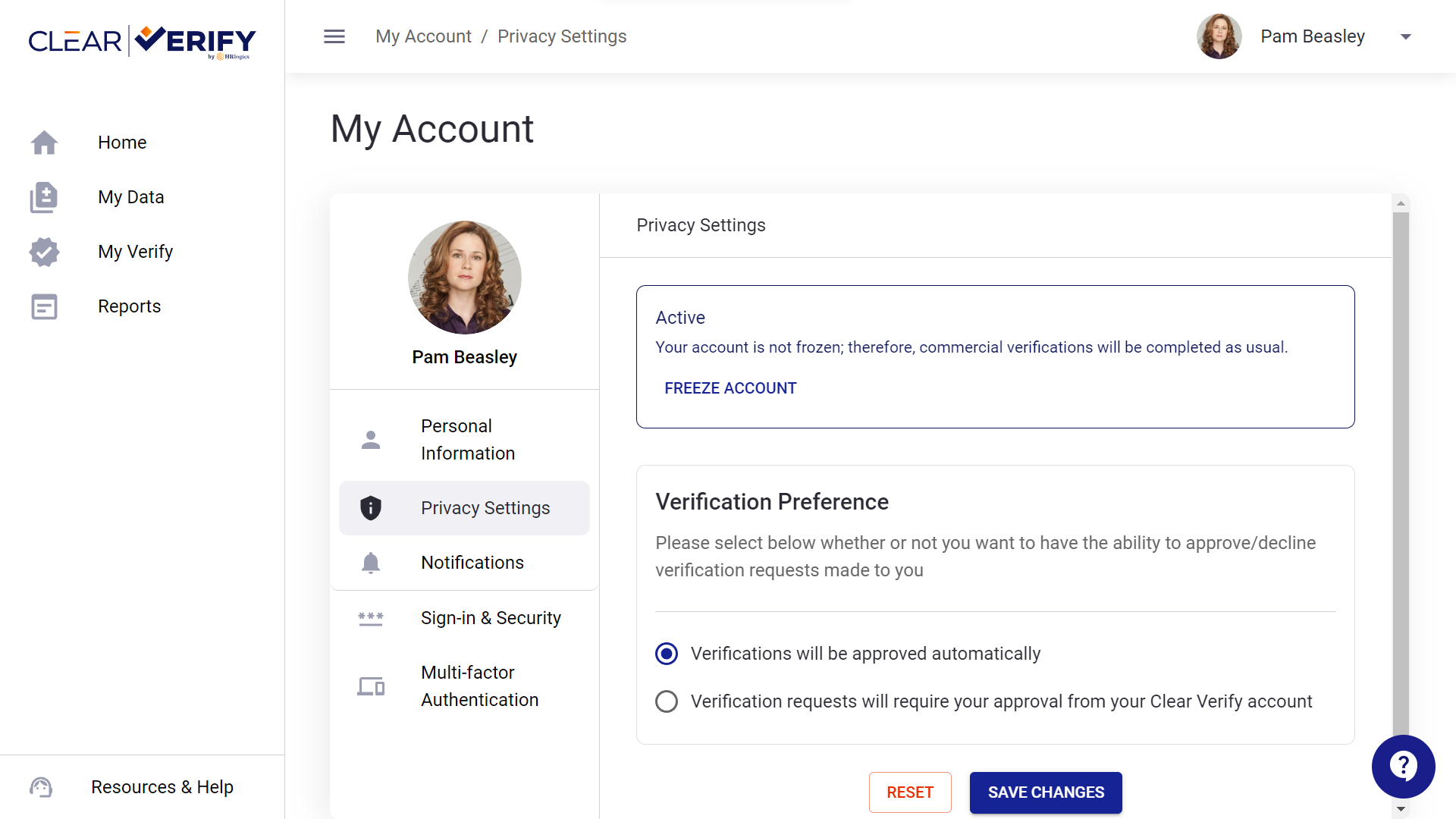
Select the Privacy Settings section. You will then be able to choose ‘Freeze Account’ or ‘Unfreeze Account’ depending on your preference.
Authorize Verifications (Optional)
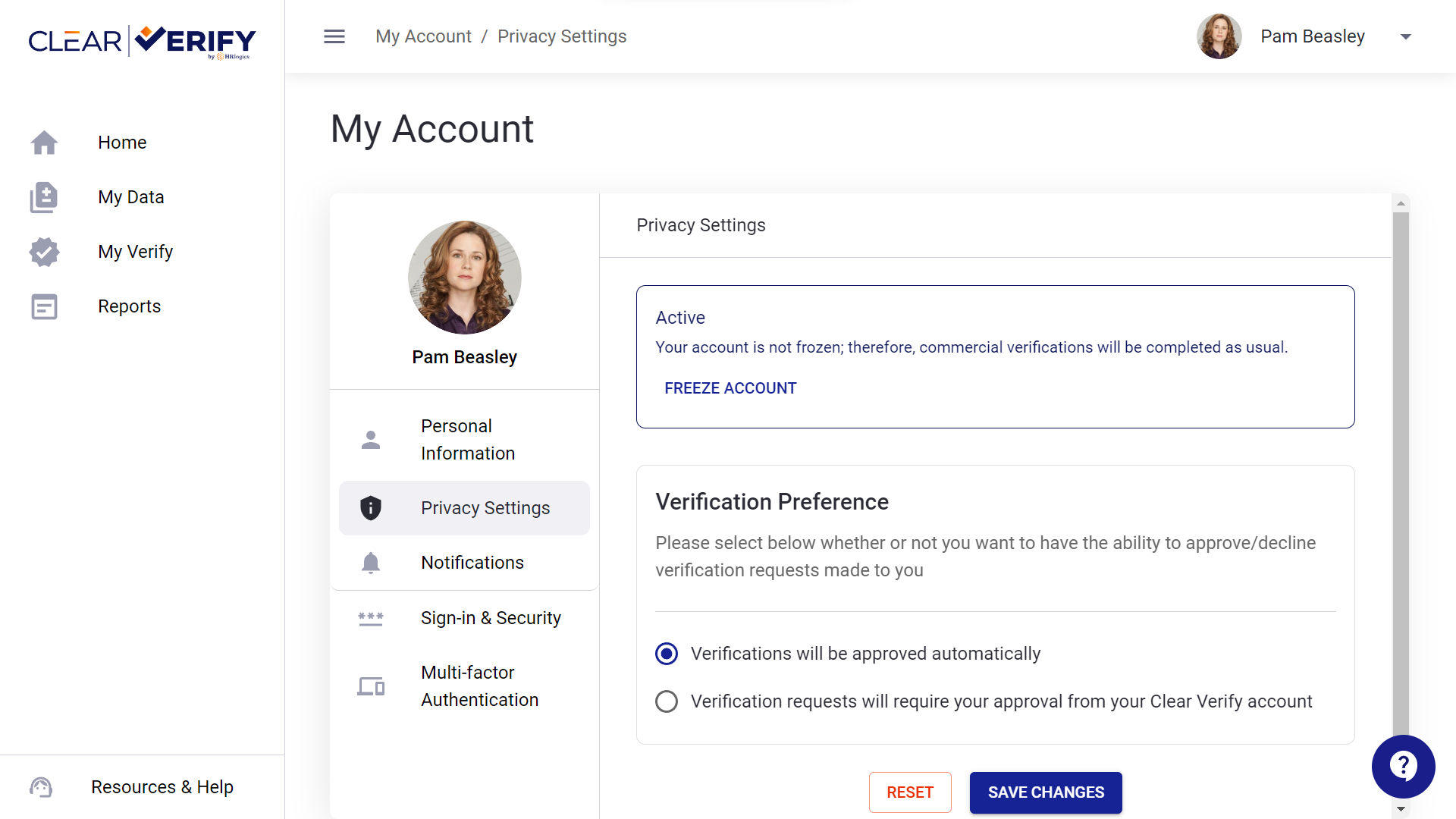
If your employer has turned on this feature or your state has data privacy laws in place, you will have the option to approve or deny commercial verifications. To turn on this feature, navigate to My Account and then to the Privacy Settings section. Under “Verification Preference”, you can choose whether you want to allow all verifications requested or require approval for all commercial verifications. You can change this preference at any time.
If you require authorization for verifications, you will receive a text and email notifying you of the verification and asking you to respond with either ‘Approve’ or ‘Deny.’ You can also approve verifications via the Clear Verify portal on the Home page.
Need more help?